- 2026/11/18
- 0 Comments
- 0 Likes
The best cloud based POS system for a restaurant keeps taking orders when your internet drops, puts dine-in, takeout, online and delivery orders in one place, and does not lock you into expensive hardware or long contracts. Foodnerd POS suits independents that want offline mode and commission-free online ordering. Toast suits teams that want a restaurant-only vendor and accept dedicated hardware. Square suits small or mobile operations that want a cheap start. Lightspeed suits high-volume kitchens that need deep menu and inventory control. SpotOn suits shops that sell through their own website and want reservations.
Choosing is hard because every vendor says "cloud." The details that decide your daily life sit below the marketing: what still works in an outage, whose hardware you must buy, and how an online order reaches the kitchen. We make Foodnerd POS, so it is listed first. We hold it to the same checklist as the other four.
First you will see what going cloud gives a restaurant, where it can fail, and a side-by-side table. Then each of the five gets the same treatment: key features, who it suits, and what to check before you sign.
Why restaurants move to a cloud POS
A cloud POS keeps your sales, menu and inventory on remote servers, so any approved device can run the restaurant. A legacy system ties that data to one back-office computer on site. That difference drives every benefit and every risk below.
Benefits of going cloud
A cloud restaurant POS cuts upfront cost and daily maintenance, because the vendor hosts the servers and ships the updates. You also get one live view of every order channel. The practical gains:
- Remote access: check sales, change menu prices and review shifts from your phone.
- Live inventory: stock counts drop as orders are rung in, so you see low items before the rush.
- Multi-location control: one dashboard for menus, reports and permissions across sites.
- Connected channels: online and delivery orders land in the same queue as dine-in tickets.
- Automatic backups and updates: no server for you or an IT contractor to maintain.
A cloud POS earns its fee when it removes work between the order and the kitchen, not when it merely moves your data online.
A point of sale records the moment a sale is paid, and that record feeds stock levels, kitchen tickets and reports. Because every channel writes to the same record, the cloud version of this idea mostly changes where the data is kept and how many devices can reach it.
The internet question
Every cloud system has one weak spot: connectivity. If your router fails during Friday dinner service and the POS needs the cloud for every order, you stop selling. Offline mode is the fix, so make it the first thing you test.
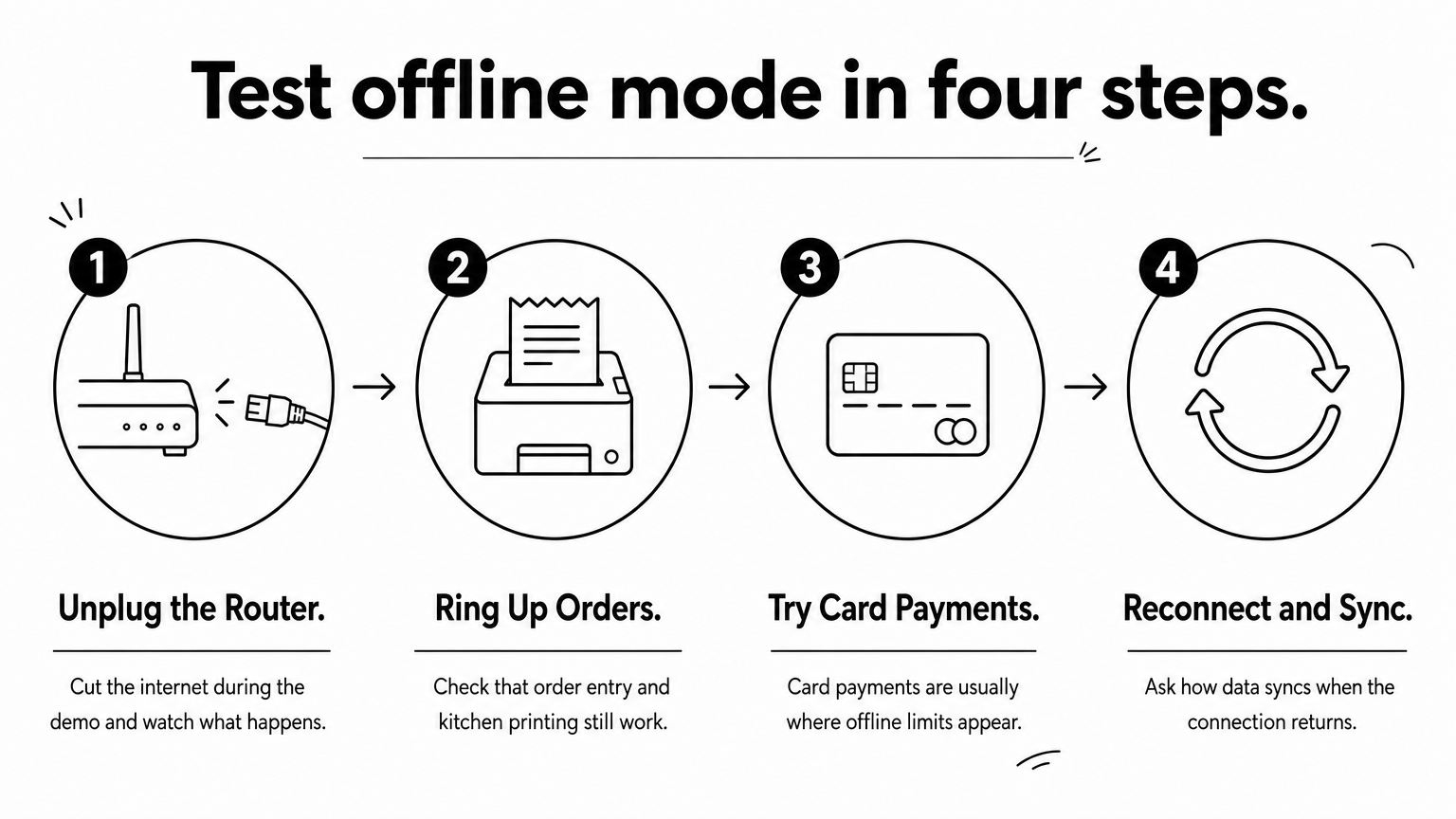
Ask each vendor exactly what still works offline. Order entry and kitchen printing are the easy part. Card payments are usually where limits appear. Then ask how data syncs when the connection returns. Unplug the router during the demo and watch what happens.
Card payments also deserve their own check, because processing fees are a separate cost from the software plan. Published rates vary by provider and by how the card is taken, so Stripe's pricing page makes a useful baseline when you compare quotes. Ask each vendor three things: whether its rate is fixed, whether it charges a monthly fee, and what happens to a card payment that cannot reach the cloud during an outage. Those answers often matter more than the subscription price.
How the five picks compare
The table summarizes what each system is built around. The sections below add the detail.
| System | Best for | Hardware approach |
|---|---|---|
| Foodnerd POS | Independents wanting offline mode and own-channel ordering | Your own phones, tablets and computers |
| Toast | Restaurant-only operations | Dedicated terminals, known for its hardware |
| Square | Small, mobile or low-budget setups | Free software on an iPad, paid plans add hardware |
| Lightspeed | High-volume kitchens needing deep menu and inventory tools | Several equipment options |
| SpotOn | Counter-service and website ordering | Terminal-based and handheld, plus online tools |
1. Foodnerd POS
Key features
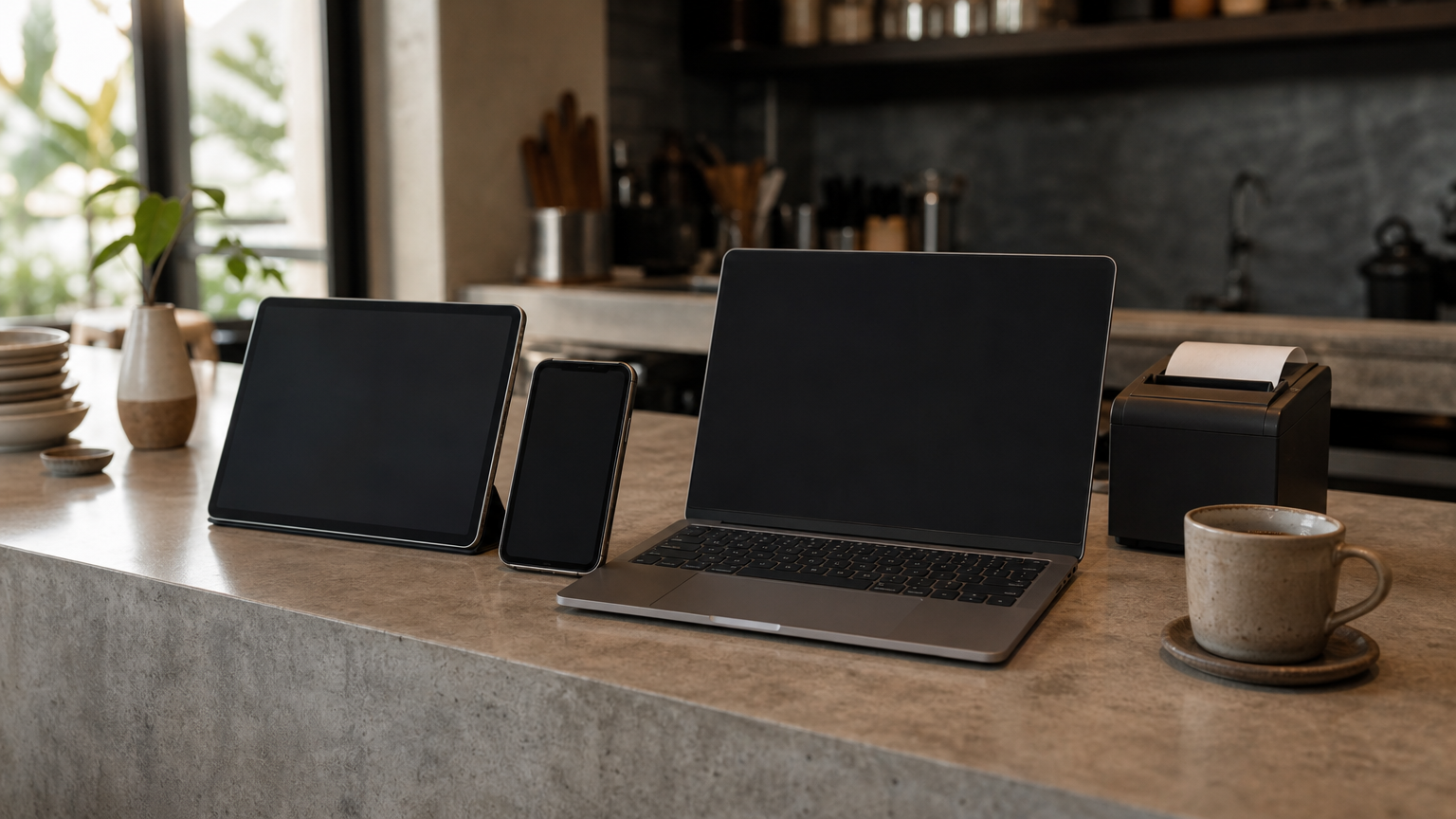
Foodnerd POS is a cloud-based, offline-capable restaurant POS for independents. It runs on iPhone, iPad, Android, Windows and macOS, so you can start on devices you already own. The main pieces:
- POS app that takes orders offline and syncs when the connection returns
- Kitchen display screens and printers, routing to several kitchens, table management, split payments, discounts and loyalty
- Waiter app for table-side ordering, with commissions tracked automatically
- Commission-free online ordering website and customer apps, with optional separate in-store and online pricing
- Rider app for your own drivers, with delivery zones and manual or automatic assignment
- Tap and Pay, which turns an NFC-enabled smartphone into a card terminal with no extra hardware
- Web portal for menus, multi-location inventory, recipes, expenses, shifts and supplier orders
Who it suits and what to check
It suits independent restaurants, cafés, pizzerias, food trucks and small groups that want one system from first order to end-of-day reporting. In the US it handles sales tax, tips and Stripe card payments. The trial is low-risk: 14 days free with no credit card, no long-term contract, cancel anytime, and no hidden charges. Plans are designed for independent US restaurants, and the pricing page lists them.
Here is the math on online ordering. Assume a 20% marketplace commission on a $40 delivery order. That is $8 per order. Move 100 such orders a month to your own site and apps and you keep $800 a month, before card processing fees. If you run a large chain with heavy custom integrations, raise that in the free demo.
If delivery marketplaces eat your margin, direct ordering connected to the POS is the feature that pays for the system.
2. Toast
Key features
Toast is a restaurant-first cloud POS known for its hardware and food-and-beverage tooling. It offers dedicated terminals built for restaurant use. What defines it:
- Focus on food service rather than general retail
- Dedicated terminals and handhelds
- Tooling for menus, orders and kitchen workflow
Who it suits and what to check
Toast suits owners who want a vendor built only around restaurants and are happy to buy its hardware. A dedicated, purpose-built device appeals to teams that dislike mixing consumer tablets with a busy line.
Price the full hardware package, not only the software plan. Ask whether you must use the vendor's own payment processing, and read the contract term. If you want to run on phones and tablets you already own, compare Toast against a system with no mandatory hardware.
Toast fits a restaurant that wants one food-service specialist, provided you accept its hardware and its terms.
3. Square
Key features
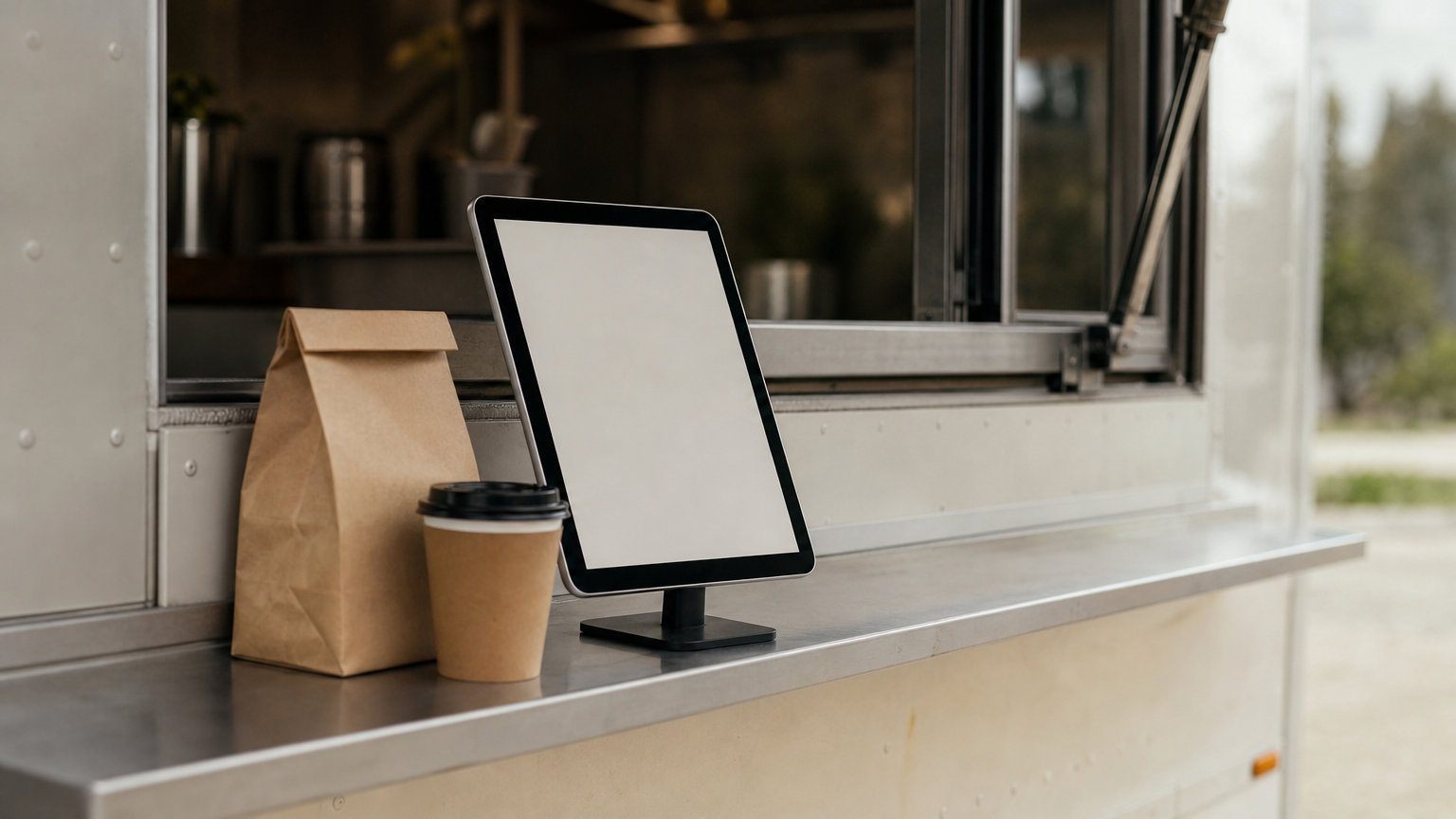
Square offers flexible POS tools for mobile and physical businesses, including free POS software and paid plans that add hardware and accessories. It can run on an iPad with minimal extra equipment. In practice:
- Free software tier to start selling quickly
- Paid plans with hardware and accessories
- Works for mobile setups as well as counters
Who it suits and what to check
Square suits food trucks, pop-ups and small cafés where low entry cost matters more than deep kitchen workflow. A single counter and a short menu is the sweet spot.
Square began as a general-purpose payments and POS tool. Confirm that the restaurant features you need, such as table management and kitchen routing, are in the plan you would actually pay for. If you run several kitchens or a full dining room, compare it closely with a restaurant-first system.
Square is the easiest system to try, so test it against your real menu before assuming it scales to your dining room.
4. Lightspeed
Key features
Lightspeed is a cloud POS for restaurants, retailers and multi-location businesses, with deep food and beverage features. Those include detailed menu management, inventory and table-side ordering. It also supports online ordering for small restaurants and offers several equipment options.
- Detailed menu management
- Inventory tracking
- Table-side ordering
- Online ordering and several hardware options
Who it suits and what to check
Lightspeed suits high-volume restaurants that need granular menu and inventory control, and groups that want one vendor across several outlets. If your menu has many modifiers and your stock costs swing, the depth helps.
Some connections to outside software run through integrations rather than being built in. Write down every system you need to connect, such as accounting or delivery platforms, and ask for each one by name. Also confirm which restaurant modules sit in your quoted plan.
Lightspeed rewards complexity, so choose it when your menu and stock demands are real, not hypothetical.
5. SpotOn
Key features
SpotOn is a cloud POS built around restaurants, with integrated online ordering and tools for running a front of house. Menu changes made in the POS show up online. It offers:
- Remote back-office access to manage menus and staff from anywhere
- Custom website integrated with the POS and online ordering
- Reservations and waitlist booking through SpotOn Reserve
- Handheld terminals with built-in touchscreen and printer, with WiFi and 4G
- Delivery management and marketing tools
Who it suits and what to check
SpotOn suits counter-service and table-service restaurants that want a website, ordering and reservations from one vendor. If you currently stitch together a separate site builder, ordering tool and booking app, the bundle reduces that patchwork.
Ask which modules are included in your quote and which are add-ons, because the extras decide the real monthly cost. Its approach leans on terminals, so confirm what hardware you would buy and what the contract requires.
SpotOn works best when you will use the website, ordering and reservation pieces together, not just the register.
Picking the right fit
Cloud POS wins for restaurants because it cuts maintenance, shows every channel in one place, and lets you manage the business from anywhere. Its one real risk is connectivity, so test offline mode, card payments included, before you commit. Then compare hardware rules, contract terms and which modules your quote includes.
For an independent restaurant that wants offline ordering, no mandatory hardware and its own commission-free channels, the shortlist starts with Foodnerd POS. You can start your 14-day free trial of Foodnerd POS and run your own menu through it before deciding.
Recent Blogs

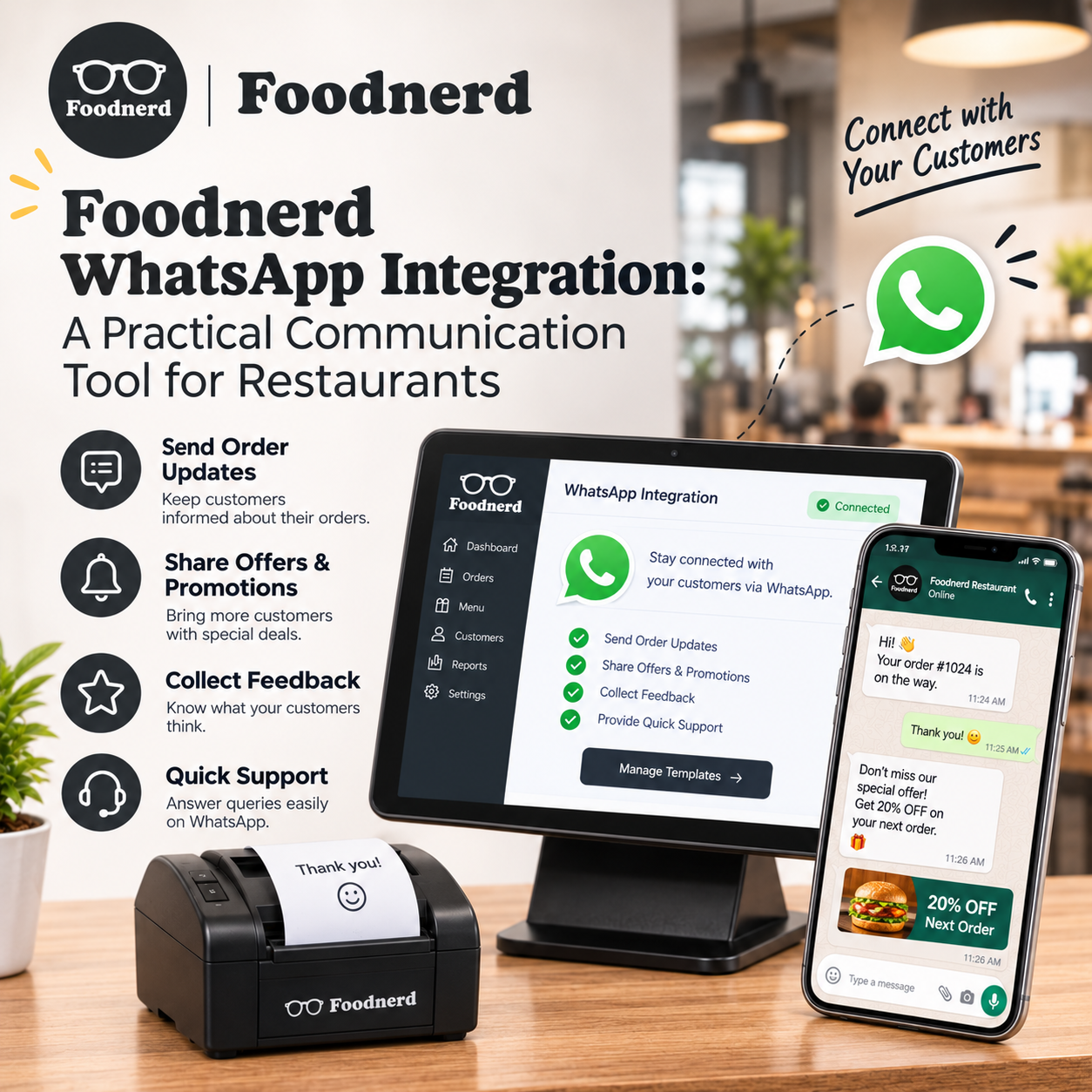
Foodnerd WhatsApp Integration: A Practical Communication Tool for Restaurants
Customers often reach out with a quick question: Has my order been accepted? Can I change a detail? Where should I send a document or photo? When those conversations are spread across personal phon...
Join the conversation
Comments are reviewed before they appear.
