- Qaiser Mehmood
- 2025/12/24
- 0 Comments
- 0 Likes
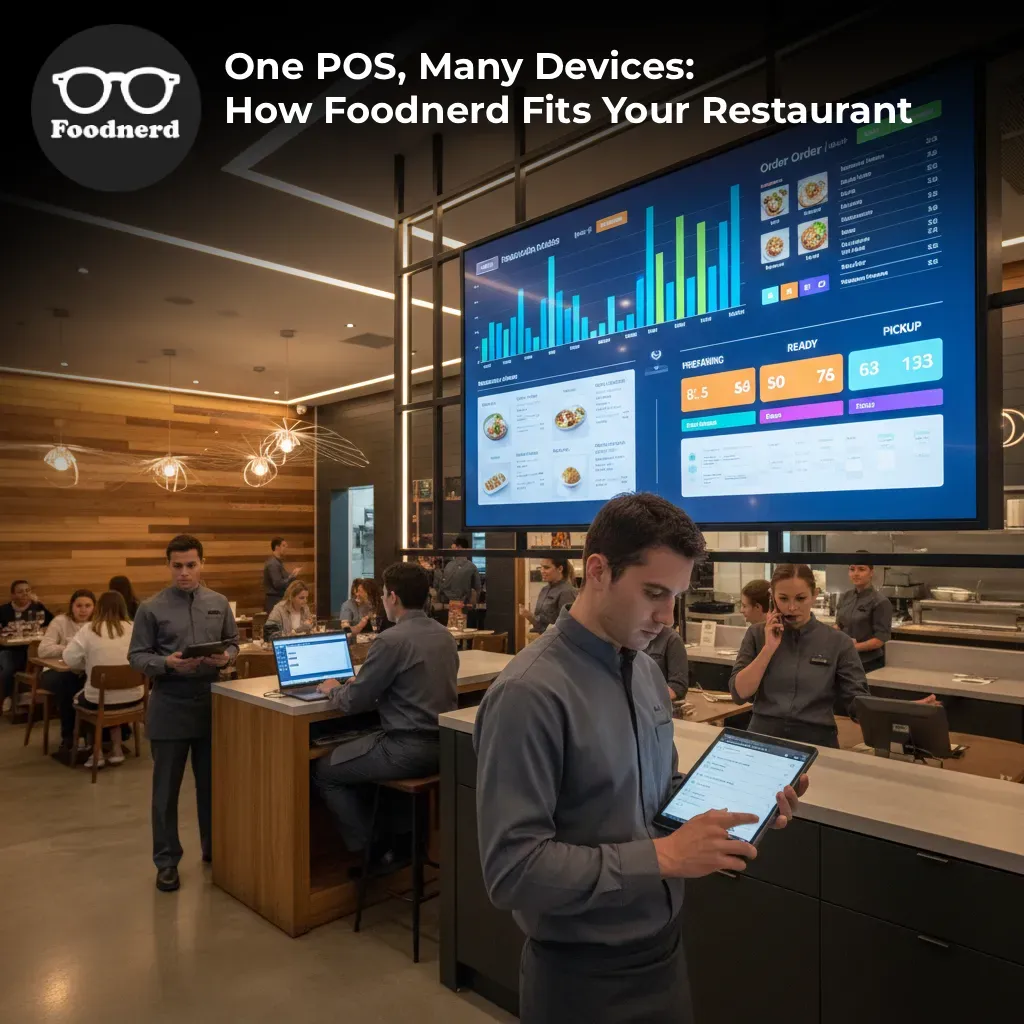
Legacy point-of-sale systems often force you into a box, requiring expensive, proprietary hardware that locks you into a specific operating system. Foodnerd POS takes a different approach. We believe your software should adapt to your workflow, not the other way around.
Whether you are running a bustling fast-food chain or a cozy fine-dining establishment, Foodnerd offers seamless access across six different platforms. This guide breaks down every way you can access your system from the powerful Manager Dashboard to mobile apps so you can choose the right setup for your business growth.
Why Multi-Platform Access Matters for Your Bottom Line
Before diving into the specifics of each platform, it is important to understand why device flexibility is a game-changer for profitability and brand consistency.
Reduce Hardware Costs
There is no need to overhaul your entire infrastructure to switch systems. Foodnerd is device-agnostic. If your franchise already uses Windows terminals, we support that. If your waitstaff prefers iPads, we support that too. This allows you to use existing hardware and scale your investment only when necessary.
Ensure Business Continuity
Internet outages happen, but they shouldn't stop your sales. By utilizing platforms with robust offline capabilities like our native desktop and mobile apps—you ensure that service continues uninterrupted. Data automatically syncs the moment the connection is restored, keeping your records accurate without manual entry.
Maximize Operational Efficiency
Different roles require different tools. Your back-office manager needs a wide-screen view for reporting, while your server needs a pocket-sized device for table-side ordering. Foodnerd allows you to mix and match devices to create the perfect ecosystem for your staff.
The Command Center: Manager Web Dashboard
Access: Any web browser at www.foodnerdpos.com
Think of the Manager Web Dashboard as the brain of your operation. It is the central hub where owners and administrators control every aspect of the business. Because it is web-based, you can access real-time insights from anywhere—whether you are in the kitchen or on vacation.
Best Used For:
- - Menu Engineering: Centralize your menu management with region-specific tax integrations. Push updates to all locations instantly to ensure brand uniformity.
- - Inventory Control: Track stock levels across multiple branches and manage supplier orders.
- - Analytics: View comprehensive reports on sales, expenses, and employee shifts to make data-driven decisions.
- - Customer Engagement: Manage loyalty programs and customer databases to drive repeat business.
The Versatile Option: Web POS
Access: www.foodnerdpos.com/manager/pos
The Web POS is built for speed and accessibility. Using advanced React technology, it runs directly in your browser without requiring any installation. This is an excellent solution for businesses that need a backup terminal quickly or for pop-up locations where installing software isn't feasible.
Key Benefits:
- - Zero Installation: Log in and start selling immediately.
- - Universal Compatibility: Works on desktops, laptops, tablets, and mobile browsers.
- - Training Friendly: Perfect for training new staff on the interface before they hit the floor.
Mobile Freedom: Android and iOS POS
- Access: Download from Google Play Store or Apple App Store
For restaurants prioritizing speed and customer satisfaction, mobility is key. Our native mobile applications transform smartphones and tablets into powerful point-of-sale terminals. This allows your staff to take orders directly at the table, reducing error rates and speeding up service times.
Top Features:
- - Table-Side Ordering: Servers can fire orders to the kitchen (via KDS integration) without leaving the customer's side.
- - Touch-Optimized: The interface is specifically designed for smaller screens, making navigation intuitive and fast.
- - Offline Functionality: Continue processing orders even if the Wi-Fi drops. The app will auto-sync once online.
- - Hardware Integration: Seamlessly connects to Bluetooth printers and cash drawers.
- Ideal For: Table-service restaurants, food trucks, and busy cafes where line-busting is necessary.
The Powerhouses: Windows and Mac POS
Access: Direct download from the Foodnerd website
For high-volume establishments that utilize fixed cashier stations, our desktop applications offer the ultimate stability and performance. Built on the Electron framework, these apps provide a native experience whether you are a PC or Mac loyalist.
Windows POS & Mac POS Capabilities:
- - Robust Networking: Supports network-based multi-terminal setups with a central database.
- - Peripheral Support: Extensive compatibility with barcode scanners, receipt printers, and cash drawers.
- - Advanced Payment Integration: Securely integrates with major payment processors for swift transactions.
- - Resilient Operations: Like the mobile apps, the desktop versions feature full offline and online modes to guarantee uptime.
- Ideal For: Fast-food chains, pizzerias, and retail-style counters handling high transaction volumes.
Unifying Your Operations
The true power of Foodnerd lies in how these platforms communicate. You might have a Windows PC at the front counter, an iPad in the waiter's hand, and a manager checking the Web Dashboard on an Android phone.
Despite the different devices, the experience is unified:
- - Real-Time Sync: An order placed on an iPad is instantly visible on the kitchen display and the manager's report.
- - Consistent Data: All platforms connect to the same central cloud database, ensuring your inventory and sales numbers are always accurate.
- - Role-Based Security: You can assign specific permissions to staff members, ensuring they only access the features relevant to their job, regardless of which device they log into.
Conclusion: Empowering Your Growth
Your restaurant technology should be an enabler of growth, not a bottleneck. By offering robust applications for Web, Android, iOS, Windows, and Mac, Foodnerd ensures you have the right tools for every environment.
You gain the flexibility to choose the hardware that fits your budget and brand aesthetic, the reliability of offline modes, and the efficiency of a fully integrated ecosystem.
Ready to streamline your operations and boost your profitability?
Start your free demo with Foodnerd today
Recent Blogs
Foodpanda Integration for Pakistan: Streamline Orders with Foodnerd POS
Managing online food orders can feel overwhelming when delivery platforms operate separately from your restaurant's main system. Orders come through different channels, inventory tracking becomes m...
Never Miss an Order Again: Ring Central Integration with Foodnerd
Introduction In the high-pressure environment of a busy restaurant kitchen, every second counts. Your staff is juggling dine-in customers, food preparation, and inventory management. Amidst the cha...
Simplify Your Restaurant Management with These Essential Reports
Running a restaurant often feels like juggling a dozen plates while riding a unicycle. You have inventory to track, staff to manage, and customers to please. Amidst the daily chaos, digging through...

Write a Comment