- Umair Assad
- 2026/01/29
- 0 Comments
- 0 Likes
Introduction
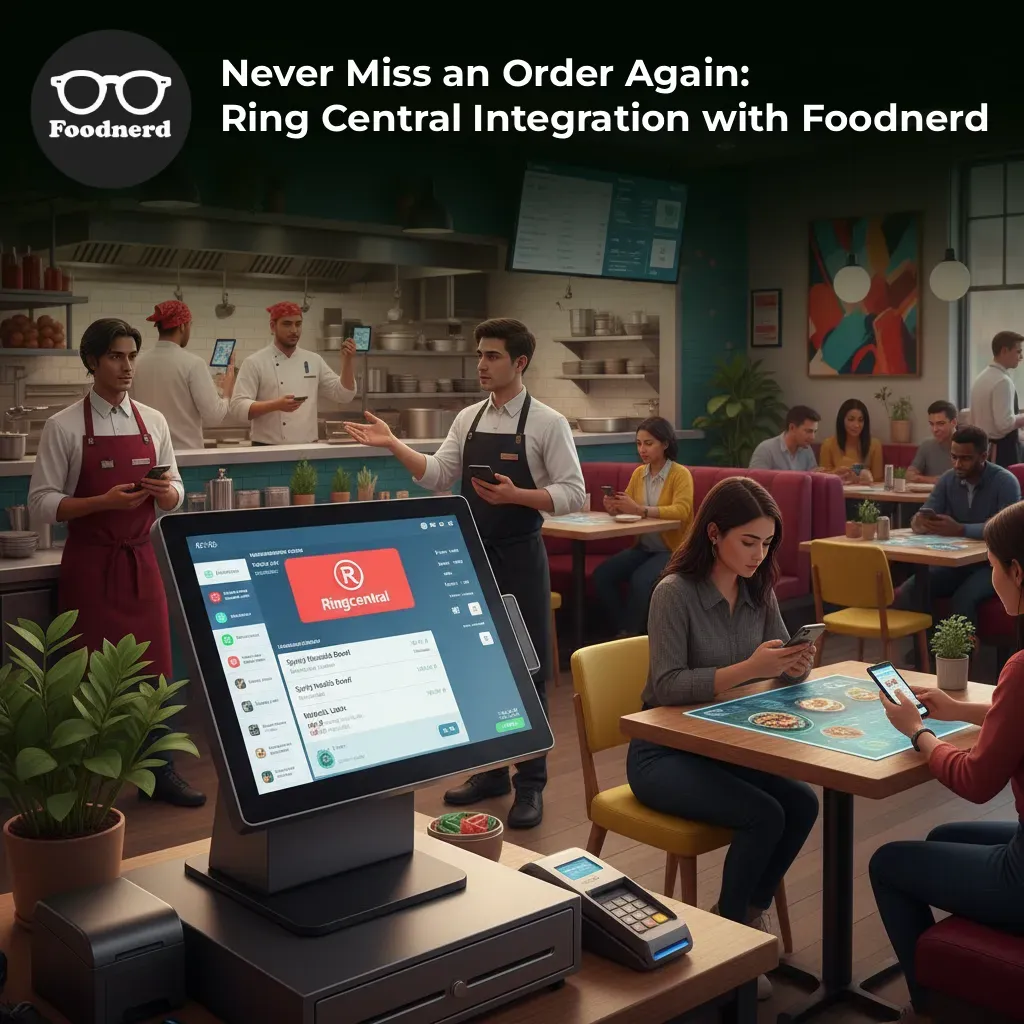
In the high-pressure environment of a busy restaurant kitchen, every second counts. Your staff is juggling dine-in customers, food preparation, and inventory management. Amidst the chaos, a digital order arrives on the POS system. If your team is distracted, that order might sit unnoticed. A missed or delayed order isn't just a lost sale; it's a negative customer review waiting to happen and a break in your operational efficiency.
This is where the power of automation becomes your greatest ally. Foodnerd POS integrates seamlessly with RingCentral to solve this exact problem. By setting up automatic phone alerts, you ensure that no order goes unanswered, regardless of how busy the floor gets.
However, simply turning on a feature isn't enough. To truly achieve operational excellence and brand consistency across all your locations, you must understand how to configure, manage, and most importantly, document these settings. This guide will walk you through the functionality of RingCentral integration and provide a framework for documenting these processes to ensure your team is always connected and responsive.
Understanding the Power of Ring Central Integration
RingCentral functionality within the Foodnerd POS system acts as your fail-safe mechanism. It is an automated notification system designed to alert your staff immediately when an online order has not been accepted within a specific timeframe.
Think of it as a persistent digital manager. If an order sits in the "received" state for too long (typically one minute), the system automatically triggers a phone call to a designated number. When your staff answers, they hear a voice message containing crucial details like the order number, time, and total price.
Key Benefits for Restaurant Managers
- - Immediate Response: Drastically reduces the time between order receipt and kitchen preparation.
- - Redundancy: Works alongside SMS, email, and push notifications to ensure the message gets through.
- - Accountability: Tracks call status (answered, missed, or busy) so you can audit staff responsiveness.
- - Flexibility: Supports direct lines, mobile numbers, and office extensions.
How the Phone Alert Workflow Operates
To document this process effectively for your team, you first need to understand the logic behind the automation. It helps to explain this to your staff so they understand why the phone is ringing.
- - The Trigger: A customer places an order. The POS timer begins.
- - The Monitoring Phase: The system watches the order status. If your staff accepts the order immediately, no call is made.
- - The Alert: If the pre-set time passes (e.g., 60 seconds) without acceptance, Foodnerd initiates a call via RingCentral to your configured "Alert Phone Number."
- - The Connection: The system dials the number. If you use a PBX system or office line, it can even dial a specific extension automatically.
- - The Information: Once connected, an automated voice reads out the order details, prompting immediate action from the staff member who answered.
- - The Retry Logic: If the line is busy or the call fails, the system logs the status and may attempt to retry based on your settings, ensuring the alert isn't lost in the void.
Step-by-Step Configuration and Documentation
Proper documentation ensures that if a manager leaves or settings get reset, your restaurant's communication flow remains uninterrupted. Here is how you should document the setup for your locations.
1. Accessing Location Settings
The first step in your documentation log should explain where these settings live. This empowers your on-site managers to make quick updates if a phone number changes.
- - Navigate to the Manager Dashboard.
- - Select Location Settings.
- - Locate the Alerts or Notification Settings section.
2. Configuring the Alert Phone Number
This is the primary number the system will dial. When documenting this, ensure you record the full international format to prevent dialing errors.
- - Field Name: Alert Phone Number
- - Best Practice: Use a dedicated line that is always manned, such as the host stand or the manager’s mobile device.
- - Documentation requirement: Record the specific number used and who is responsible for answering it.
3. Setting Up Phone Extensions
Many large restaurant chains use complex phone systems where you must dial a main number followed by an extension to reach the kitchen or back office. Foodnerd handles this seamlessly.
- - Field Name: Phone Extension
- - How it works: The system dials the main number, waits for a connection, and then automatically inputs the extension code.
- - Documentation requirement: Clearly list the extension number and the specific department it reaches (e.g., "Extension 101 - Kitchen Display Station").
4. Customizing Unanswered Order Info
You can add specific notes that appear or are relayed regarding unanswered orders. This is useful for providing specific instructions to the staff member receiving the alert.
- - Use Case: Adding instructions like "Please check POS Terminal 2 immediately."
- - Documentation requirement: Note any standard operating procedure (SOP) instructions entered in this field.
Managing Call Status and Troubleshooting
Operational efficiency relies on data. The RingCentral integration doesn't just make calls; it tracks them. Your documentation should include a guide on how to interpret these logs.
Status Definitions
- - Answered: The system successfully delivered the message. If the order was still missed, this indicates a staff performance issue rather than a technical one.
- - No-Answer: The phone rang, but nobody picked up. This suggests you may need to adjust staffing levels or phone placement.
- - Busy: The line was in use. If this happens frequently, consider using a dedicated line for POS alerts.
- - Failed: The call could not be completed. This usually indicates an incorrect number format or a network issue.
Common Troubleshooting Steps
Include a "Quick Fix" section in your internal documentation:
- - Issue: Calls are not coming through.
- - Fix: Verify the phone number includes the correct country code and is in the full international format.
- - Issue: Extension is not working.
- - Fix: Test the extension manually from a mobile phone to ensure the routing is correct.
- - Issue: Voice message is silent.
- - Fix: Check the volume on the receiving device and ensure the signal strength is adequate.
Best Practices for Maintaining Documentation
To ensure brand consistency and operational continuity, adopt these documentation habits across all your franchises or locations.
Maintain a Centralized Log
Keep a master document that lists the alert configuration for every location.
- - Location A: +1-555-0199 (Manager Mobile)
- - Location B: +1-555-0100 (Main Line), Extension 4 (Kitchen)
Change Management
Whenever a phone number changes—perhaps a manager leaves or a new phone line is installed—update the documentation immediately. Record the date of the change and who authorized it. This prevents confusion during future audits.
Regular Testing Schedules
Technology works best when verified. Schedule monthly tests where you purposely let a test order go unanswered to verify that the call triggers, the audio is clear, and the extension routes correctly. Log these test results in your documentation.
Conclusion
Integrating RingCentral with your Foodnerd POS is more than just a technical setup; it is a strategic move toward operational excellence. By automating communication between your order system and your staff, you eliminate the gap where errors occur.
However, the technology is only as good as the process behind it. By thoroughly documenting your configuration, maintaining accurate logs of phone numbers and extensions, and understanding the call flow, you empower your team to handle peak hours with confidence.
Don't let another order slip through the cracks. Review your notification settings today, document your setup, and ensure your restaurant is running at its full potential.
Ready to streamline your restaurant operations? Join Foodnerd today and experience the difference of a truly connected POS system.
Recent Blogs
Kiosk Mode Explained: Transforming Restaurant Order-Taking
Running a restaurant means juggling a dozen things at once. Staff are taking orders, the kitchen is firing tickets, and customers are waiting. When the order-taking process slows down even slightly...
Foodpanda Integration for Pakistan: Streamline Orders with Foodnerd POS
Managing online food orders can feel overwhelming when delivery platforms operate separately from your restaurant's main system. Orders come through different channels, inventory tracking becomes m...
Never Miss an Order Again: Ring Central Integration with Foodnerd
Introduction In the high-pressure environment of a busy restaurant kitchen, every second counts. Your staff is juggling dine-in customers, food preparation, and inventory management. Amidst the cha...

Write a Comment