- 2026/11/18
- 0 Comments
- 0 Likes
If you are asking what is a POS system in a restaurant, the short answer is this. A point of sale (POS) system is the software and hardware that take orders, collect payment, and record every sale in one place. POS stands for point of sale, the moment a guest orders and pays, whether that happens at the table, at the counter, or on a website. A modern system also sends tickets to the kitchen, tracks inventory, and produces sales reports.
Think of it as the digital evolution of the cash register. A register only rings up a total. A restaurant POS connects the dining room, the kitchen, and the back office, so everything an order touches, from the menu item to the tax to the stock it uses, passes through one system.
At Foodnerd POS, we have built restaurant point-of-sale software for independent restaurants for more than six years, so this guide draws on the questions owners ask us most. You will learn why a POS matters, how it works from the first order to the closing report, what hardware and software it includes, which type suits your restaurant, and how to choose and set one up without overpaying.
Why a restaurant needs a POS system
A restaurant needs a POS system because every order touches money, the kitchen, and your stock at the same time, and paper tickets track none of them reliably. A POS captures each step once, at the moment the order is entered, so nobody copies information from one place to another. That removes the most common sources of errors, lost revenue, and slow service.
A POS turns each order into data you can act on, instead of a slip of paper you have to trust.
A POS does more than a cash register
Registers ring up a total and open a drawer. A POS system does that and also runs tables, modifiers, kitchen routing, tips, and stock. The table below shows what changes in daily work when you move from paper and a register to a POS.
| Task | Paper tickets and a cash register | Restaurant POS |
|---|---|---|
| Taking an order | Handwritten, carried to the kitchen | Entered once, routed to a kitchen screen or printer |
| Special requests | Scribbled notes, easy to misread | Modifiers attached to the item |
| Splitting a check | Manual math at the table | Split by seat, item, or evenly |
| Sales tax and tips | Calculated by hand | Applied automatically |
| Stock levels | Counted by hand | Adjusted from sales |
| End-of-day totals | Cash count and adding machine | Shift and sales reports on screen |
Where a POS pays off first
Most owners notice speed and accuracy first. Orders reach the kitchen in seconds, modifiers print with the item, and servers stop walking back and forth between the floor and the pass. Control over cash follows. PIN logins and shifts show who rang what, and role permissions decide who can void or discount, which is how Foodnerd POS handles it.
The longer gain is data you can act on. Once every sale is recorded, you can see which dishes sell, which hours run slow, and what each plate costs you in ingredients. A restaurant that runs on handwritten tickets is guessing about all three.
How a restaurant POS system works during service
A restaurant POS system works as a loop: an order is entered, routed to the kitchen, paid, and recorded, and each step updates the same data. The sequence below follows a typical dine-in order. After it, you will see how online and delivery orders join the same loop and what happens when the connection fails.
If staff have to type the same order twice, the system is not doing its job.
The order from first tap to closing report
- Log in. Staff sign in with a PIN, which also starts their shift.
- Open a table or counter order. A floor plan on screen shows which tables are free, seated, or waiting to pay.
- Enter items. Add dishes with modifiers and notes, such as "no onions" or "sauce on the side".
- Send to the kitchen. The ticket goes to a kitchen display screen or printer, and it can split between stations such as the grill and the bar.
- Adjust as needed. Add items, move a table, or split the check by seat, item, or evenly.
- Take payment. Accept cash, card, or contactless, with sales tax and tip applied. A cash sale opens the drawer.
- Close the order. The receipt prints or is sent, the sale is logged, and ingredient stock updates.
- Review reports. At the end of the shift, check sales, discounts, voids, and cash.
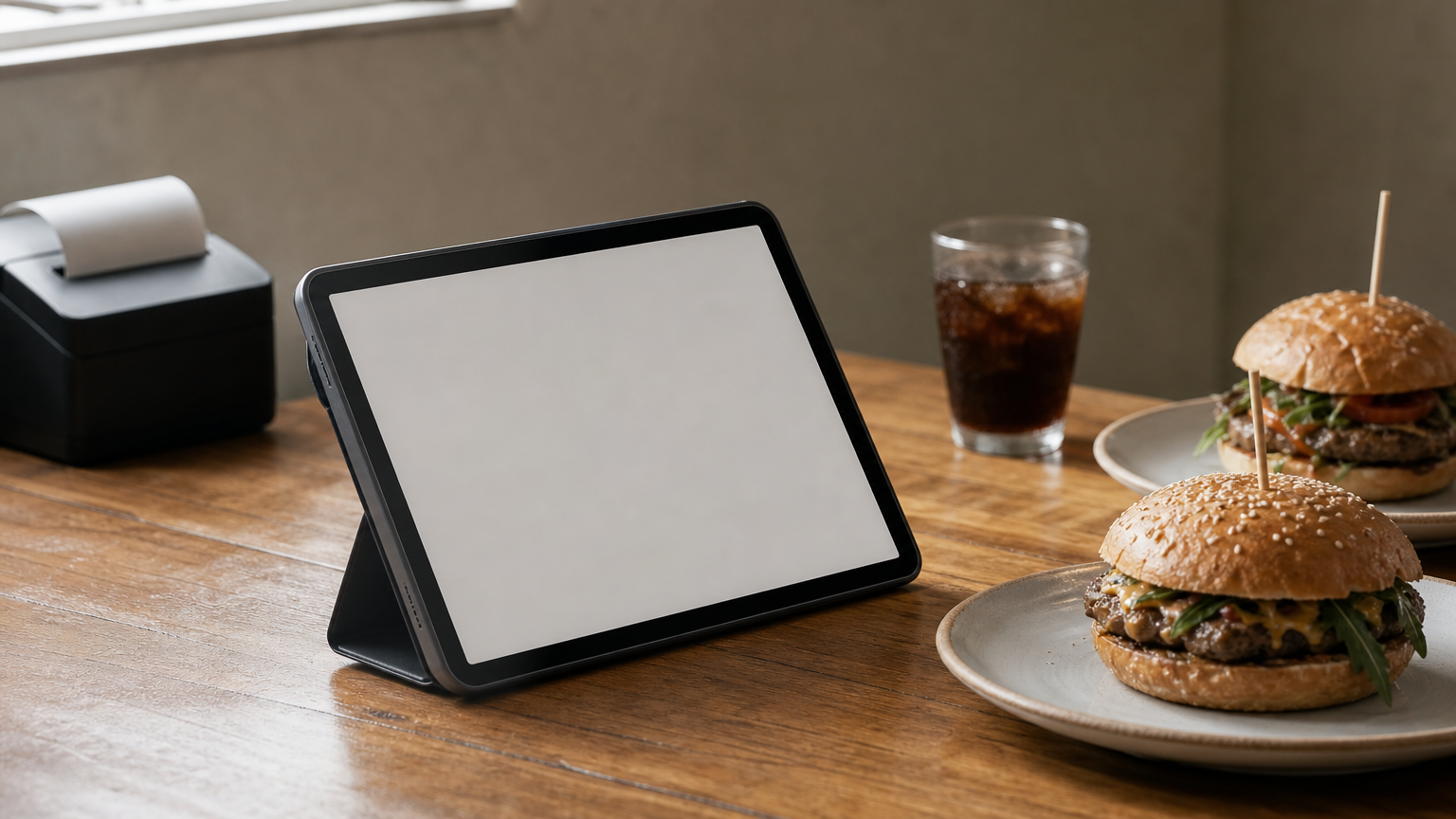
Here is how that looks at Table 12. A server takes two burgers, one without cheese, and a soda on a handheld device. The modifier prints with the item, and the grill and the bar receive their tickets at the same moment. When the guests ask to split the bill evenly, the server does it in two taps, and the sale appears in the shift report.
How online, delivery, and takeout orders fit in
A good POS treats every channel as the same kind of order. Orders from your own website, from connected delivery platforms, and from the counter all land in one queue with one menu. With Foodnerd POS, orders placed on your own website and apps carry no marketplace commission, and orders from connected delivery platforms arrive directly in the POS.
This matters because a restaurant with separate tablets for each delivery app and a separate system for the dining room has several versions of the truth. One shared menu means a sold-out item is switched off everywhere at once. One set of reports shows what each channel really earns. If you run your own drivers, a rider app can assign orders and track them on a map.
What happens when the internet drops
Because most modern systems store data online, an outage is the main risk to plan for. An offline-capable POS keeps taking orders locally and syncs when the connection returns. Ask every vendor exactly what keeps working offline, because the answers differ.
For Foodnerd POS, offline order taking runs in the native apps, not in a browser tab. Cash sales continue offline, but card and wallet payments need a connection. Terminals do not share orders with each other while offline, and orders from a waiter's phone reach the kitchen only while that device is connected. Knowing these limits before a Friday rush is better than discovering them during one.
Restaurant POS hardware and software components
A restaurant POS has two halves: the software that holds your menu, orders, payments, and reports, and the hardware your team touches during service. You can buy them together from one vendor or separately, but they have to work as one system.
Hardware takes the orders. Software decides what happens to them.
The hardware at the counter and in the kitchen
The core set is small. Which parts you need depends on how you serve, and some vendors require their own proprietary terminals. Others, like Foodnerd POS, run on devices you already own, which cuts the upfront bill.
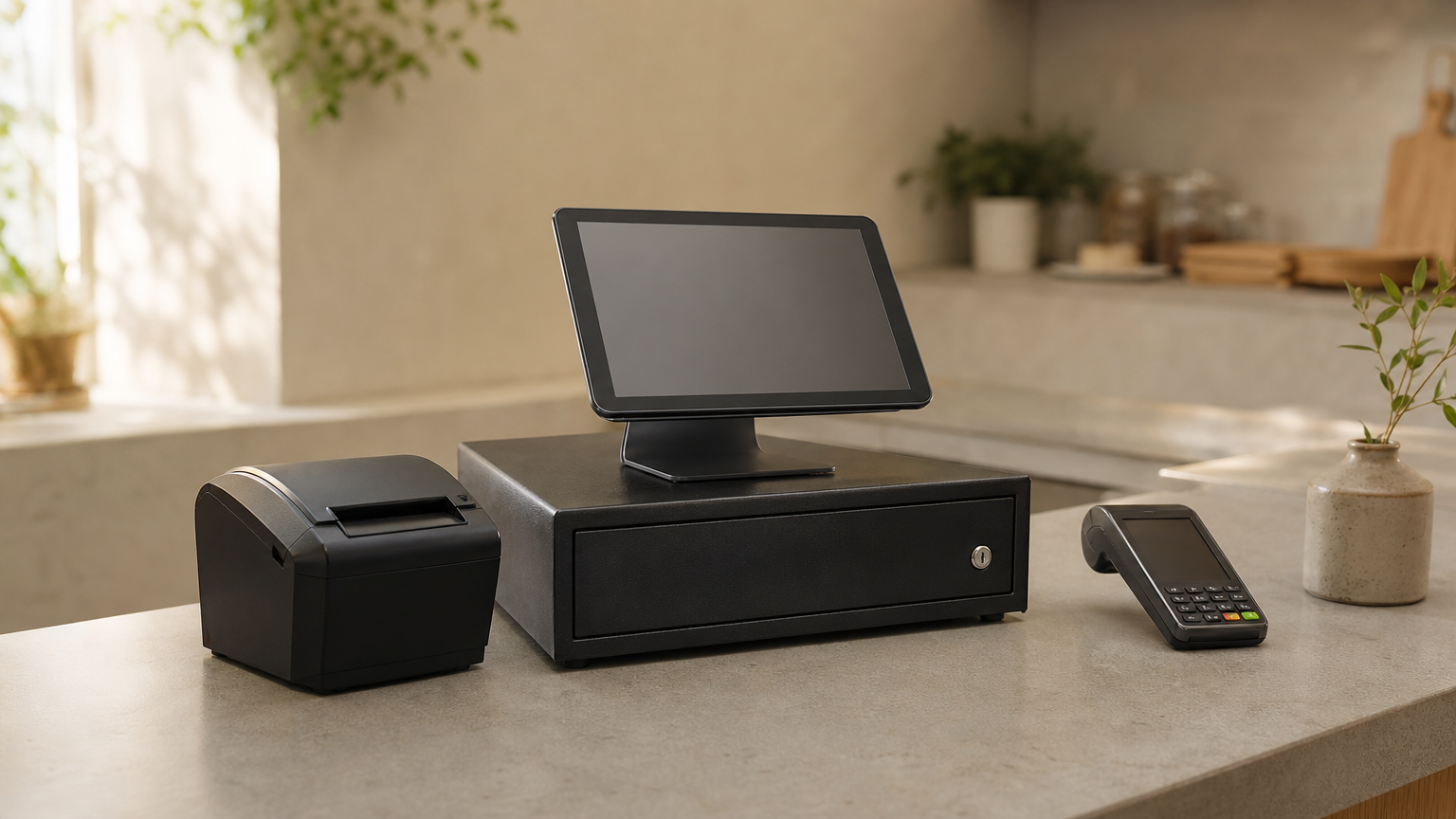
| Component | What it does | Notes |
|---|---|---|
| POS terminal (tablet, phone, or computer) | Where staff enter orders and take payment | Foodnerd runs on iPhone, iPad, Android, Windows, and macOS |
| Receipt printer | Prints customer receipts and kitchen tickets | Foodnerd works with ESC/POS-compatible printers |
| Cash drawer | Holds cash and opens on a cash sale | Needed only if you take cash |
| Card reader | Accepts chip, tap, and wallet payments | An NFC smartphone can act as the reader with Tap & Pay |
| Kitchen display screen | Shows live tickets to cooks | Replaces or supplements printed tickets |
| Handheld device | Lets servers order at the table | Any phone or tablet running the order taker app |
For Foodnerd POS, the minimum is a device that runs the app, a receipt printer, and a cash drawer if you take cash. Kitchen screens and extra handhelds are add-ons you choose based on your layout.
The software behind the screen
Software is where one restaurant POS differs from another. These are the modules to look for:
- Orders and tables: floors, tables, order modes (dine-in, takeaway, pickup, delivery), and kitchen routing.
- Payments: split payments, tips, discounts, and cash drawer control.
- Menu: items, modifiers, and tax rules in one place.
- Inventory and recipes: stock that drops as dishes sell, and ingredient costs per plate.
- Staff: roles, permissions, shifts, and commissions.
- Online ordering and delivery: your own storefront and connected platforms.
- Loyalty and marketing: rewards, offers, and promotions.
- Reports and exports: live dashboards, shift reports, and sales exports to accounting tools such as QuickBooks or Xero.
Most of this runs in the cloud, so you manage it from a web portal rather than from a computer in the back office. In Foodnerd POS, one portal controls menus, multi-location inventory, recipes, expenses, tables, shifts, and supplier orders.
Types of restaurant POS systems and who they suit
Restaurant POS systems come in four builds: legacy on-premises, cloud-based, mobile, and hybrid. Cloud-based and hybrid systems are the usual choice for new independent restaurants because they cost less to start and update themselves. The right pick still depends on how you serve guests.
Choose the build around your service style, not around the feature list.
Four ways a POS can be built
| Type | Where data lives | Strength | Trade-off |
|---|---|---|---|
| Legacy (on-premises) | A server in your restaurant | Full control, works without internet | High setup cost, hard to access remotely |
| Cloud-based | Remote servers | Lower upfront cost, remote access, automatic updates and backups | Needs internet or a solid offline mode |
| Mobile | Tablets or phones, usually synced to the cloud | Tableside ordering, patios, food trucks | Depends on battery and connection |
| Hybrid | Local device plus the cloud | Keeps working during outages and syncs later | More moving parts to maintain |
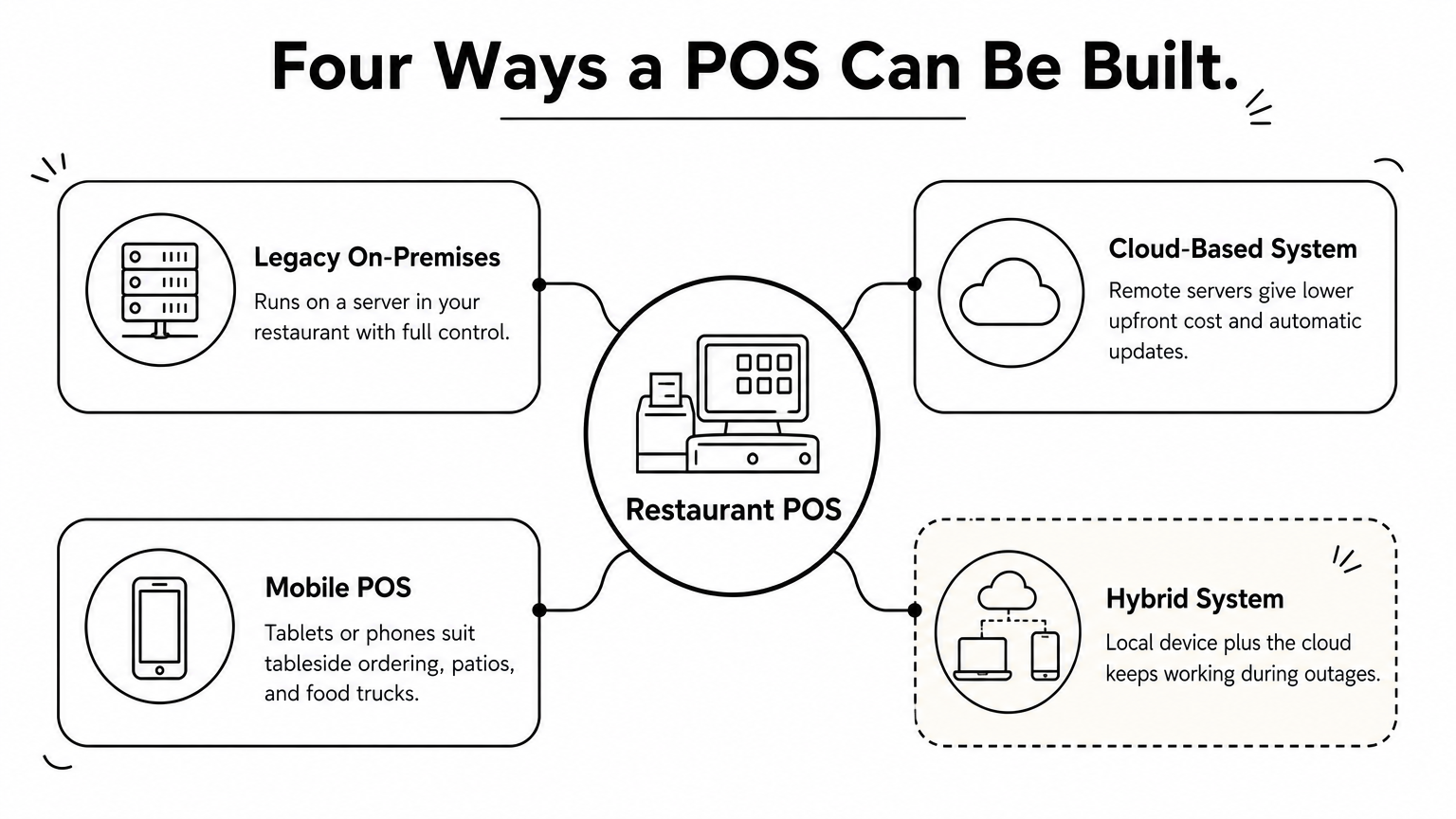
Foodnerd POS is cloud-based with an offline mode in its native apps. That gives you remote access without making a dead internet connection the end of your dinner service.
What each restaurant type should prioritize
Every restaurant benefits from a POS, but the features that matter most change with the format.
| Restaurant type | Prioritize |
|---|---|
| Quick-service and fast casual | Fast checkout, simple modifiers, online ordering |
| Full-service | Floors and tables, split checks, tableside ordering, kitchen stations |
| Café or bakery | Counter speed, loyalty rewards, simple stock for perishables |
| Food truck | Phone or tablet use, offline mode, tap-to-pay without extra hardware |
| Bar | Tabs, quick reorders, stock counts |
| Multi-location group | Central menu, per-location stock, consolidated reports |
A pizzeria with delivery, for example, should weigh delivery integrations more heavily than table management. A fine-dining room should do the opposite. Write down your top three needs before you look at any demo.
How to choose and set up a restaurant POS system
Choose a restaurant POS by listing what your team does every day, then testing each system against that list in a trial. Price matters, but total cost matters more, so compare complete quotes rather than headline numbers.
Test the internet outage before you buy, because that is when a POS earns its keep.
Questions to ask before you buy
- Does it run on devices I already own?
- What keeps working offline, and what stops?
- Does it handle my local sales tax, tips, and card processor?
- Does it connect to my online ordering and delivery channels, and what does each cost per order?
- Can I control who voids and discounts?
- Which reports and accounting exports are included?
- Can I reach support during a busy shift?
- Can I cancel without a penalty?
Foodnerd POS answers the last point plainly. It offers a 14-day free trial with no credit card, plans you can cancel anytime, and no long-term contracts. For the US, it handles sales tax, tips, and Stripe card payments, so those questions are covered before your first test order.
What a restaurant POS really costs
POS pricing has several layers, and ranges vary widely by vendor, plan, and card volume. The figures below are common ranges for a single-location independent restaurant.
| Cost layer | Typical range | What to ask |
|---|---|---|
| Software subscription | $60 to $400+ per month | Does the price cover every terminal? |
| Hardware | $500 to $2,500 per terminal, plus printer and drawer | Can I use devices I own? |
| Card processing | About 2% to 3% plus $0.10 to $0.15 per transaction | Is the rate fixed, and what is my card mix? |
| Add-ons | Often billed monthly per module | Are online ordering and loyalty included? |
| Setup and training | Sometimes bundled | Is onboarding free? |
Work one example through. A café takes $30,000 a month in card sales with a $15 average ticket, so about 2,000 transactions. At 2.6% plus $0.10, processing costs $780 plus $200, or $980 a month, about $11,760 a year. A $100 monthly software plan adds only $1,200 a year. Processing is usually the biggest line, so the processor's rates matter as much as the software price. Ask for an itemized quote, and see the pricing page of any vendor you consider. Foodnerd lists its plans on its pricing page and states that there are no hidden charges.
Setting up without disrupting service
Set up in this order: build the menu with modifiers and tax rules, add staff with the right roles, connect the printer and payments, then run test orders through every channel. Switch over on a slow day, and train your team during one shift rather than in a classroom. Keep your old method nearby for the first day.
Speed depends on the vendor. Foodnerd POS runs from an app on a phone or tablet, or in a browser on a laptop or PC, and it is built so that setup, onboarding, and staff training can take as little as 30 minutes. Remember that offline order taking needs the native app, so install it on your service devices even if you also use the browser for back-office work.
Pick the POS that fits how you serve
A restaurant POS system is the single place where orders, payments, kitchen tickets, stock, and reports come together. It replaces handwritten tickets and a bare cash register with one record of everything that happens in your restaurant. The best system is the one your team can use on a busy Friday, that keeps working when the internet does not, and whose full cost you understand before you sign.
Start by writing down how you take orders today, where mistakes happen, and which channels you sell through. Then see how a system handles that list. You can try Foodnerd POS free for 14 days and put your own menu, tables, and offline questions to the test.
Recent Blogs

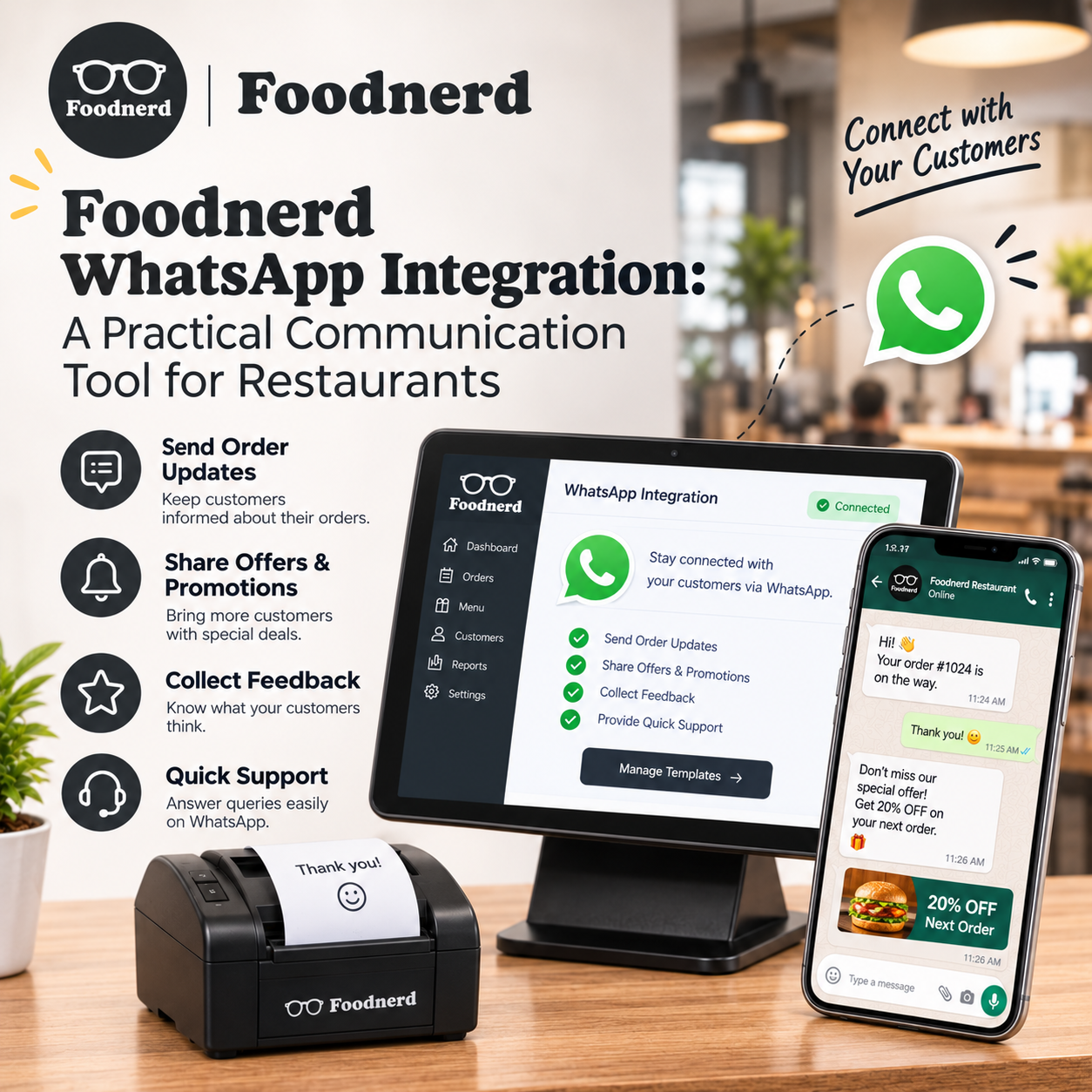
Foodnerd WhatsApp Integration: A Practical Communication Tool for Restaurants
Customers often reach out with a quick question: Has my order been accepted? Can I change a detail? Where should I send a document or photo? When those conversations are spread across personal phon...
Join the conversation
Comments are reviewed before they appear.
