
- abdul mateen
- 2024/06/05
- 0 Comments
- Regional guide
- 0 Likes
Running a restaurant in Saudi Arabia comes with its unique challenges and opportunities. One crucial element that can make a significant difference is your Point of Sale (POS) system. A customizable POS system allows you to tailor the features and functionalities to meet the specific needs of your restaurant, enhancing efficiency and customer satisfaction.
In this blog, we'll explore how customizing your POS system can benefit your restaurant in KSA.
1. Language and Currency Support
- Arabic Language Support
For restaurants in KSA, having POS software that supports the Arabic language is essential. This makes it easier for staff to operate the system and ensures clear communication with customers.
- Local Currency
Your POS system should handle transactions in Saudi Riyals, including support for local pricing, taxes, and discounts. This ensures accuracy and compliance with local regulations.
2. ZATCA Tax Compliance
- Automatic VAT Calculation
Saudi Arabia's tax regulations require compliance with VAT laws. A customized POS system can automatically calculate VAT on each sale and generate VAT-compliant receipts and invoices.
- Easy Reporting
Generating VAT-related reports for auditing purposes is simplified with a POS system tailored to meet ZATCA requirements. This reduces the administrative burden and ensures compliance.
3. Menu Customization
- Dynamic Menu Management
Restaurants often change their menus to reflect seasonal ingredients, new dishes, or customer preferences. A customizable POS system allows you to easily update your menu, ensuring it is always current.
- Special Offers and Promotions
Tailor your POS system to manage special offers, discounts, and loyalty programs. This flexibility helps in attracting and retaining customers by providing value and incentives.
4. Inventory Management
- Real-Time Tracking
Effective inventory management is crucial to avoid stockouts or overstocking. A customizable POS system provides real-time tracking of inventory levels, helping you maintain optimal stock.
- Supplier Management
Manage your suppliers efficiently by tracking orders, delivery schedules, and payment terms. This ensures a steady flow of ingredients and other supplies, crucial for smooth operations.
5. Employee Management
- Shift Scheduling
Customize your POS system to handle employee schedules, track working hours, and manage payroll. This helps in organizing shifts efficiently and ensuring staff availability during peak hours.
- Role-Based Access
Implement role-based access controls to ensure that employees only have access to the functions necessary for their role. This enhances security and minimizes the risk of unauthorized actions.
6. Customer Relationship Management (CRM)
- Loyalty Programs
Integrate loyalty programs into your POS system to reward repeat customers. This not only increases customer retention but also encourages higher spending.
- Customer Preferences
Track customer preferences and order history to provide personalized service. This data can be used to tailor marketing campaigns and improve customer satisfaction.
7. Multi-Outlet Management
- Centralized Control
For restaurant chains or franchises, a customizable POS system can provide centralized control over multiple outlets. This allows for consistent menu management, pricing, and promotions across all locations.
- Real-Time Data
Access real-time data from all your outlets, enabling you to make informed decisions and quickly respond to market trends and customer demands.
8. Integration with Online Platforms
- Online Ordering
In today’s digital age, integrating your POS system with online ordering platforms is essential. This allows customers to place orders online, which are then seamlessly processed through your POS system.
- Delivery Management
Manage delivery orders efficiently with features that track order status, delivery times, and customer addresses. This ensures timely and accurate deliveries, enhancing customer satisfaction.
9. Secure Payment Processing
- Multiple Payment Methods
Support for various payment methods, including cash, credit/debit cards, and mobile payments, provides convenience to customers and ensures quick, secure transactions.
- Data Security
Ensure your POS system complies with industry standards for payment security, protecting customer data from breaches and fraud.
10. Comprehensive Reporting
- Sales and Performance Reports
Generate detailed reports on sales, inventory, employee performance, and customer trends. This data-driven approach helps you identify areas for improvement and make strategic decisions.
- Customizable Dashboards
Create customizable dashboards that provide an overview of your restaurant’s performance at a glance. This helps in quickly identifying key metrics and tracking progress toward business goals.
Foodnerd: Your Business POS Partner
Choosing the right POS system is crucial for the success of your restaurant in KSA. Foodnerd offers a customizable POS solution designed to meet the specific needs of restaurants in Saudi Arabia. With features like VAT compliance, real-time inventory tracking, and multi-outlet management, Foodnerd ensures you have all the tools necessary for efficient and profitable operations.
For more information or to get started with Foodnerd, contact us at:
Email: [email protected]
Phone: +92-304-1116555
Sign up: https://www.foodnerdpos.com/manager/join
Conclusion
A customizable POS system is essential for tailoring your restaurant operations to meet the specific needs of your business in KSA. By focusing on features like language support, VAT compliance, dynamic menu management, and customer relationship management, you can enhance efficiency, ensure compliance, and provide a better dining experience for your customers. Partnering with a reliable POS provider like Foodnerd can help you achieve these goals and drive your restaurant’s success.
How to Customize a POS Without Overcomplicating It
Customization is useful when it removes steps from your daily work. It becomes a problem when every setting is changed on day one and nobody remembers why. This process keeps things practical.
Map Your Workflows First
Before changing any settings, write down how an order moves through your restaurant: who takes it, where it is prepared, how it is paid for and how the day is closed. Mark the points where mistakes or delays happen. These are the places where customization will help most.
Start With the Basics
- Menu structure: Group items the way guests think about them and keep modifier lists short.
- Receipts: Check that printed and digital receipts show the details you need in the languages your guests use.
- Kitchen routing: Send each item to the correct station, such as grill, fryer or drinks, so tickets are clear.
- User roles: Create separate roles for cashiers, servers, supervisors and managers.
Test Changes Safely
Try new settings on a quiet day, or at one outlet, before using them everywhere. Make one change at a time so you can tell what worked. Keep a simple log of what was changed, when and by whom.
Train Staff on Every Change
Even a small change, such as moving a button, can slow down a busy shift if no one knows about it. Tell the team before a change goes live, show them the new flow and ask for feedback after a few days.
Review Regularly
- Each month, look at which menu items and promotions are used and which are ignored.
- Check whether any permission settings are too loose or too strict.
- Ask staff which tasks still take too many taps.
- Remove settings and items that are no longer needed.
For Multiple Outlets
Decide which settings must be the same everywhere, such as core menu items and reporting categories, and which can vary by location, such as local specials. Giving each outlet a manager who understands the rules prevents confusion. For regulatory matters like tax reporting, confirm the current requirements with the relevant authority or an accountant rather than relying on assumptions.
Recent Blogs
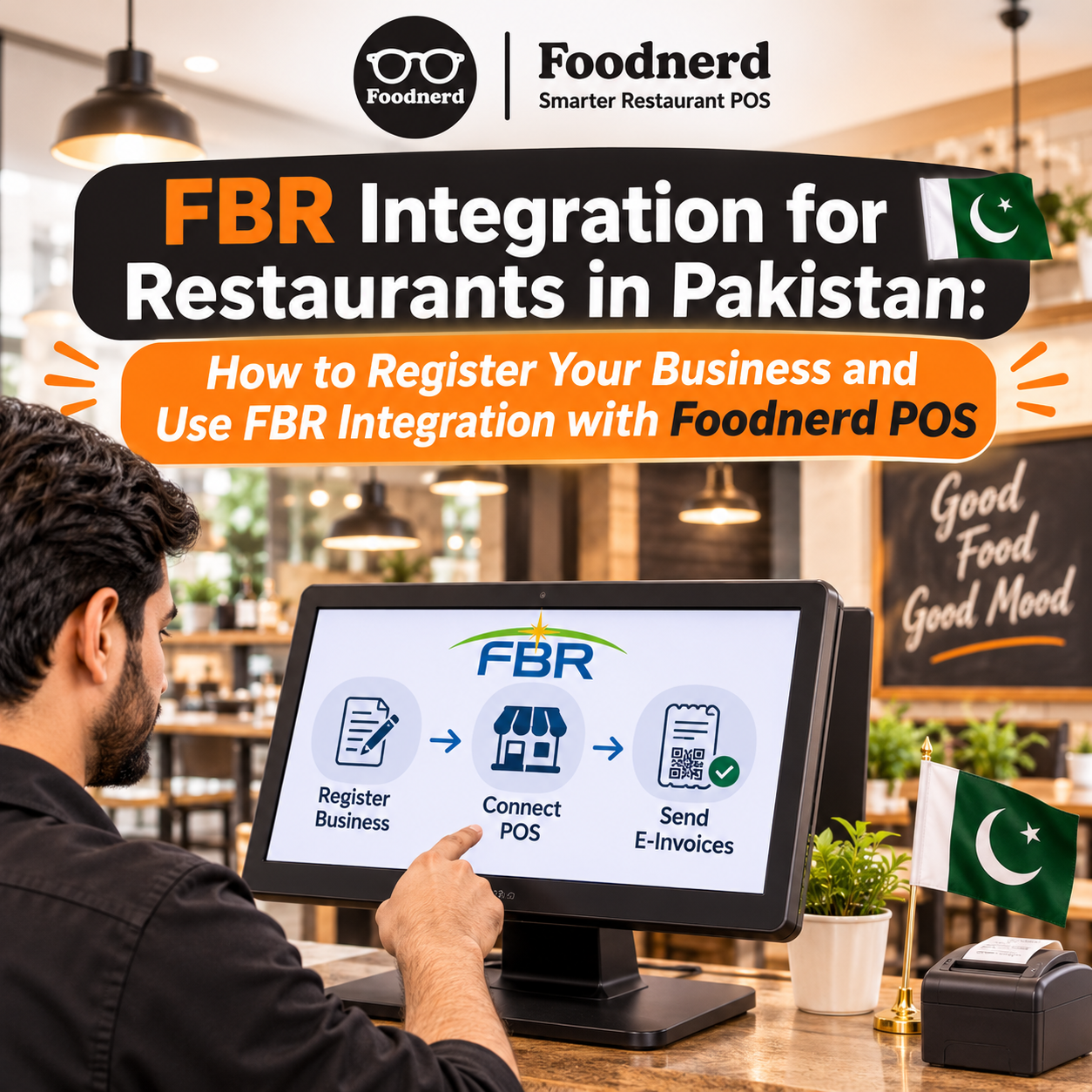
FBR Integration for Restaurants in Pakistan: How to Register Your Business and Use FBR Integration with Foodnerd POS
A restaurant’s FBR setup involves more than entering a tax number in its POS. You first need to understand which authority regulates your business, get the right taxpayer registration, and if you f...
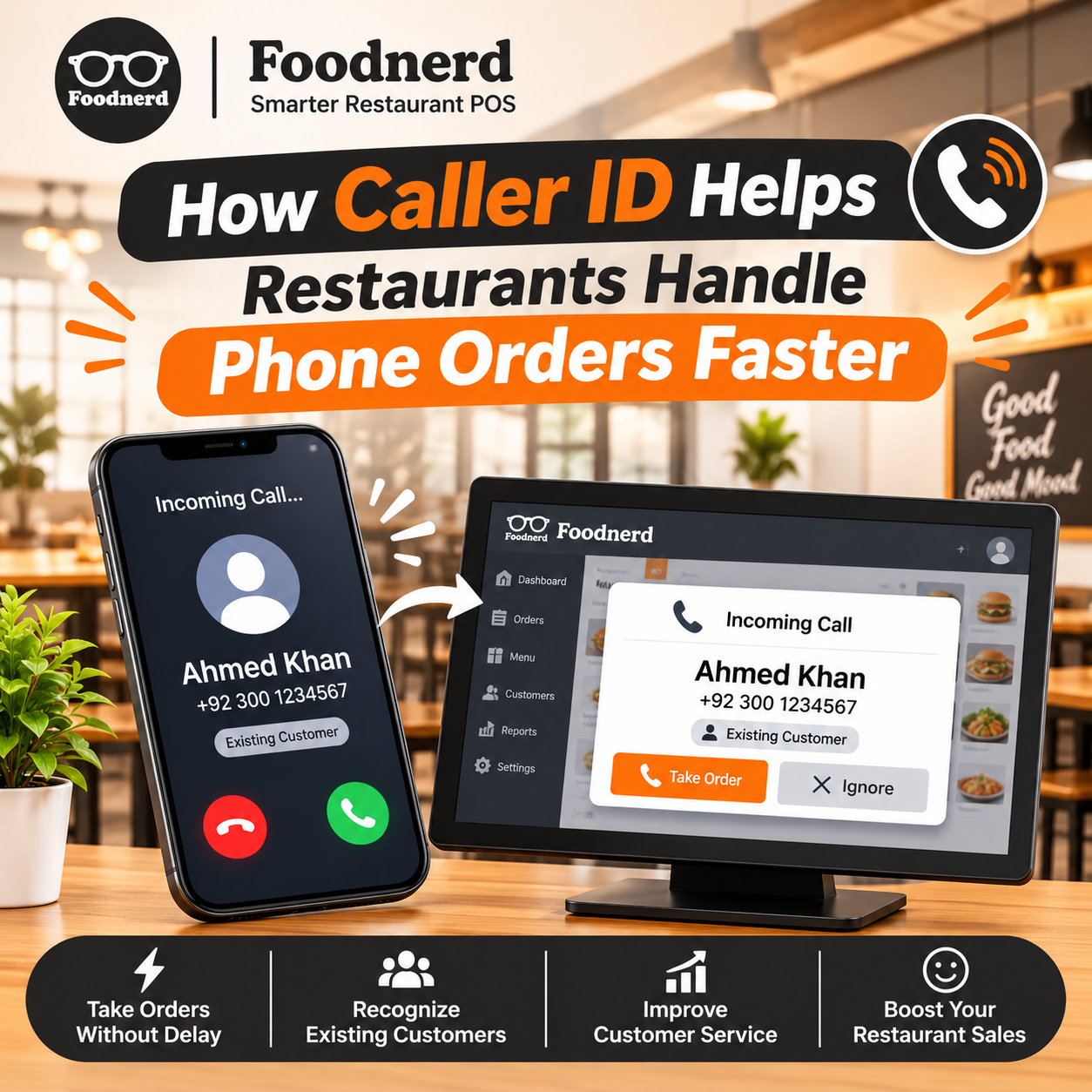
How Caller ID Helps Restaurants Handle Phone Orders Faster
Restaurants handle a steady stream of phone calls: takeaway orders, delivery requests, questions about menu items, updates on existing orders and general inquiries. During a busy service, asking ev...

Join the conversation
Comments are reviewed before they appear.
