- Umair Assad
- 2025/12/17
- 0 Comments
- 0 Likes
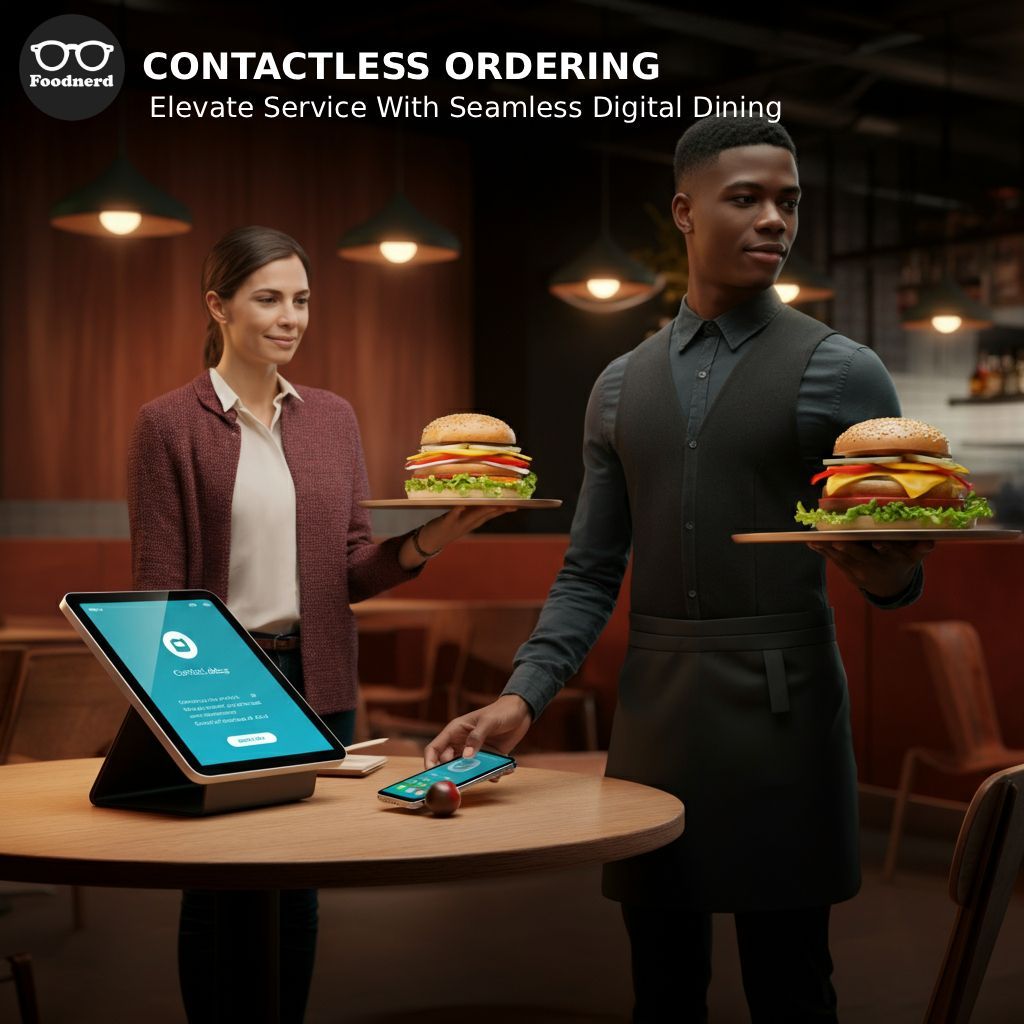
In the restaurant industry, adapting to customer preferences is key to success. Diners today expect convenience, speed, and safety, and one of the most significant shifts in service has been the rise of contactless ordering. This technology not only meets modern customer expectations but also streamlines your operations, reduces errors, and frees up your staff to focus on delivering exceptional experiences.
Foodnerd POS is designed to empower your restaurant with the tools needed for growth. Our complete management solution simplifies every aspect of your business, from order handling to inventory updates. A core part of this solution is our integrated contactless ordering feature.
This guide will walk you through everything you need to know about implementing contactless ordering with Foodnerd. We'll cover what it is, why it matters, and provide a clear, step-by-step process to get you set up. By the end, you'll be ready to offer your customers a seamless, modern dining experience that boosts both satisfaction and your bottom line.
What is Contactless Ordering?
Contactless ordering allows your customers to browse your menu, place their orders, and pay for their meals directly from their own smartphones. By simply scanning a QR code at their table, customers are taken to your restaurant's digital menu, where they can make their selections without needing a physical menu or waiting for a server.
Once an order is submitted, it is sent directly to your Foodnerd POS and Kitchen Display System (KDS). This process eliminates the manual task of a server taking an order and inputting it into the system, which significantly reduces the chance of human error and speeds up service. It’s a powerful tool for improving operational efficiency, especially during peak hours.
How to Set Up Contactless Ordering in Foodnerd
Enabling contactless ordering is a straightforward process within the Foodnerd Manager Portal. Our system is designed to be user-friendly, even for those who aren't tech-savvy. Follow these steps to get started.
Step 1: Log in to the Foodnerd Manager Portal
First, you need to access your restaurant's administrative hub.
- Open your web browser and navigate to the Foodnerd Manager Portal.
- Enter your login credentials (username and password) to sign in.
Step 2: Navigate to the Tables Section
Once you are logged in, you will manage your table setup to enable QR code ordering.
- From the main dashboard, locate the navigation menu on the left-hand side.
- Click on Configuration.
- From the dropdown menu, select Tables. This will take you to the table management page where you can see your restaurant's floor plan and table layout.
Step 3: Enable QR Ordering for Your Tables
Here, you will activate the contactless ordering feature and generate the unique QR codes for each table.
- On the Tables page, you'll see a list of all your configured tables.
- Look for the toggle switch labeled QR Ordering. Click this switch to turn it on. The toggle will change color, indicating that the feature is now active.
- Once enabled, a new option, Download QR Codes, will appear. Click this button.
- A file containing unique QR codes for each of your tables will be downloaded to your computer. Each QR code is tied to a specific table number, so orders are routed correctly.
Step 4: Print and Display Your QR Codes
The final step is to make the QR codes accessible to your customers.
- Open the downloaded file. You will see a collection of images, each being a QR code with the corresponding table number printed below it.
- Print these QR codes. We recommend using a high-quality printer to ensure the codes are clear and easy to scan.
- Place each QR code on its designated table. You can use table tents, stickers, or small laminated cards. Ensure they are placed where customers can easily see and scan them with their smartphones.
And that's it! Your restaurant is now equipped for contactless ordering. When a customer scans the QR code, they will be directed to your online menu to begin their order.
Requirements for a Smooth Implementation
To ensure your contactless ordering system runs without a hitch, there are a few things to keep in mind:
- A Stable Internet Connection: While the Foodnerd POS works offline, a reliable internet connection is necessary for contactless orders to be received by the system in real-time.
- Updated Menu in Foodnerd: Your online menu is managed through the Foodnerd portal. Ensure your menu items, prices, and descriptions are up-to-date. Any changes you make in the portal will automatically reflect on the customer-facing menu.
- Clear Signage: While placing QR codes on tables is essential, consider adding small signs that briefly explain how to use them. A simple instruction like "Scan to Order" can guide first-time users.
Best Practices for Contactless Ordering
To make the most of this feature and provide the best customer experience, follow these tips:
- Train Your Staff: Ensure your servers understand the new workflow. They should be prepared to assist any customers who may have questions about scanning the QR code or navigating the online menu.
- Monitor Orders Closely: Keep a close eye on the POS and KDS to ensure new orders are acknowledged and prepared promptly.
- Gather Customer Feedback: Ask your diners about their experience with the contactless system. Their feedback can provide valuable insights for making further improvements.
Take Control with Foodnerd
Implementing contactless ordering is more than just a technological upgrade; it's a strategic move to enhance customer satisfaction, boost operational efficiency, and future-proof your restaurant. With Foodnerd POS, you have a powerful and intuitive platform that makes this transition seamless. By simplifying the ordering process, you empower both your customers and your staff, creating a dining environment that is efficient, modern, and focused on what truly matters, great food and memorable experiences.
Ready to transform your restaurant's operations? Join Foodnerd today and start selling with confidence.
Recent Blogs
Foodpanda Integration for Pakistan: Streamline Orders with Foodnerd POS
Managing online food orders can feel overwhelming when delivery platforms operate separately from your restaurant's main system. Orders come through different channels, inventory tracking becomes m...
Never Miss an Order Again: Ring Central Integration with Foodnerd
Introduction In the high-pressure environment of a busy restaurant kitchen, every second counts. Your staff is juggling dine-in customers, food preparation, and inventory management. Amidst the cha...
Simplify Your Restaurant Management with These Essential Reports
Running a restaurant often feels like juggling a dozen plates while riding a unicycle. You have inventory to track, staff to manage, and customers to please. Amidst the daily chaos, digging through...

Write a Comment