- Umair Assad
- 2026/01/02
- 0 Comments
- 0 Likes
Your menu is the heartbeat of your restaurant. It dictates what customers see, what the kitchen prepares, and how your inventory moves. But when you are running a busy shift or managing multiple locations, a lack of clear documentation around menu management can lead to operational chaos. An item that should be "Online Only" accidentally appears on the dine-in POS, or a breakfast combo stays active during the dinner rush. These small errors add up to confused staff, frustrated customers, and lost revenue.
To maintain brand consistency and operational efficiency, managers must move beyond simply knowing how to change the menu—they must document the process. This guide provides a comprehensive framework for documenting menu management, scheduling, and recipe integration. By creating a clear standard of operations, you empower your team to troubleshoot issues instantly and onboard new staff with confidence.
Why Menu Documentation is Your Operational Backbone
For regional managers and franchise owners, the goal is always brand uniformity and profitability. Documentation acts as the bridge between your strategy and daily execution. When you document your menu management processes, you solve several critical problems at once:
- - Operational Consistency: Whether it is a Tuesday lunch or a Saturday night, the procedures for adding items or handling stock-outs should remain identical.
- - Faster Troubleshooting: When an item disappears from your online ordering platform, your team shouldn't have to guess why. Good documentation helps them identify if it is a toggle setting, a schedule conflict, or an inventory shortage.
- - Scalable Training: New managers can reference a guide to understand the menu structure without needing hand-holding for every minor update.
- - Multi-Location Control: If you manage a chain, documentation ensures that a seasonal promotion launches at the exact same time, in the exact same way, across all branches.
Documenting the Basics: Menu Management
Menu management is the process of creating, organizing, and maintaining your digital offerings. It serves as the foundation of your customer experience. Your documentation should clearly outline the standard procedures for three key actions:
Adding and Editing Items
Your Standard Operating Procedures (SOPs) must define the required fields for every new item. This includes the naming convention, the description style (e.g., listing allergens), price setting, and image quality standards. Clear guidelines prevent a messy POS interface where one burger has a high-res photo and another has a typo in the description.
Deleting vs. Archiving
One of the most common pitfalls in menu management is deleting data that should have been preserved. Your documentation must clarify the difference:
- - Delete: Use this only for items that were created in error and have no sales history.
- - Archive: Use this for seasonal items or discontinued dishes. Archiving preserves the sales data for future reporting and allows you to reactivate the item next year without building it from scratch.
Mastering Availability Time Management (Scheduling)
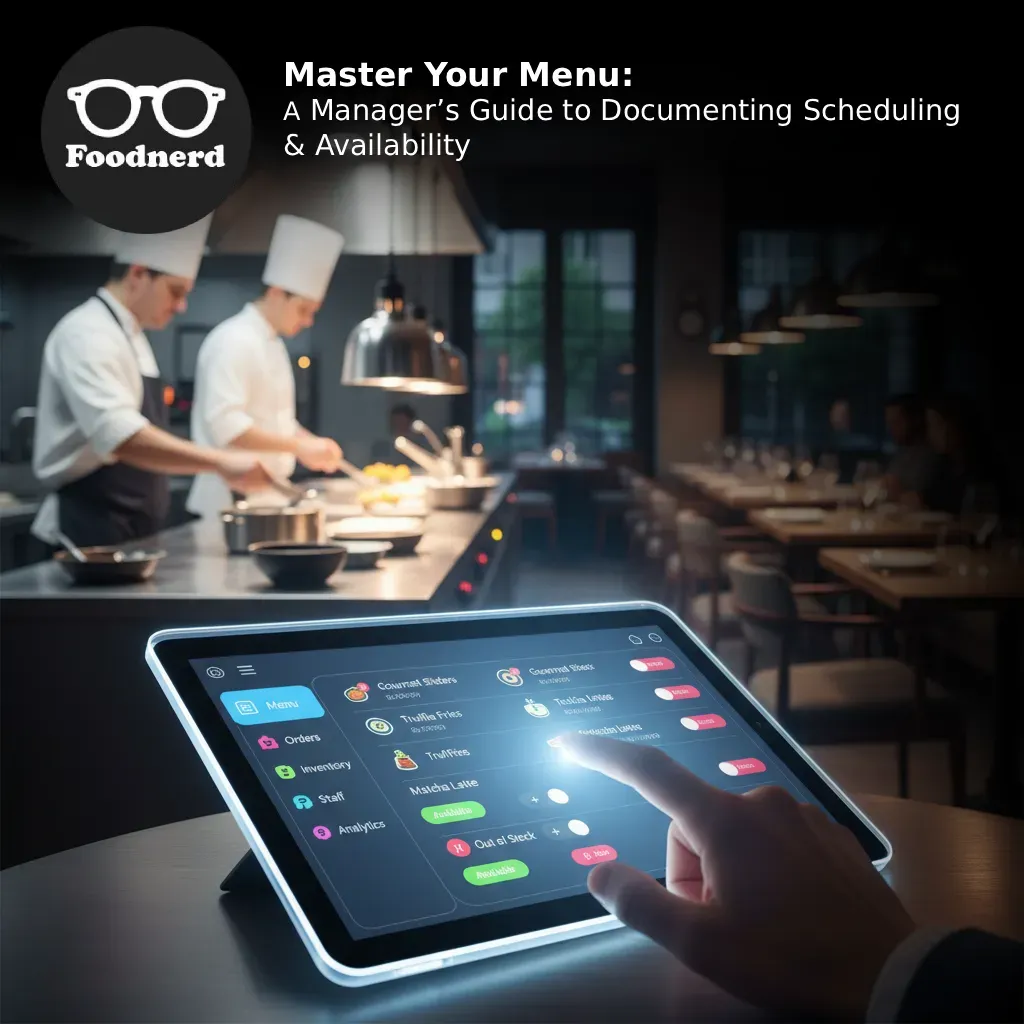
Controlling when a customer sees an item is just as important as the item itself. The "Availability Time Management" feature, often handled through a "Toggle Available" interface, requires precise documentation to avoid customer service friction.
Your guide should define the specific use cases for every availability status. This ensures that a shift manager knows exactly which button to press during a rush.
Defining the 5 Availability Statuses
Include these definitions in your operational manual to eliminate ambiguity:
- 1. Available: The item is visible and orderable everywhere—both online and in-store. This is the default status for fully stocked core menu items.
- 2. Store Only: The item is orderable on the POS but hidden from online customers. Document this for items that travel poorly (like soufflés) or during soft launches where you want to test a product on dine-in guests first.
- 3. Online Only: The item is visible on delivery platforms but not in-store. This is crucial for "ghost kitchen" concepts, delivery-exclusive bundles, or items that are easier to prep for delivery than for table service.
- 4. Sold Out / Stock Out: Use this when ingredients are temporarily depleted but will be restocked soon. Depending on your configuration, the item may remain visible with a "Sold Out" badge, keeping customers informed rather than confused.
- 5. Unavailable: The item is completely hidden from all channels. This is for maintenance, discontinued items, or out-of-season offerings.
Scheduling for Dayparts
Beyond simple toggles, you must document your daypart schedules. If your locations switch from breakfast to lunch at 11:00 AM, this transition should be automated in the schedule settings. Documenting these timeframes prevents the kitchen from receiving an order for pancakes during the dinner rush, ensuring smoother operations and happier back-of-house staff.
The Inventory Connection: Recipe Management
A menu item is more than just a button on a screen; it is a bundle of inventory. Recipe Management connects your front-of-house sales to your back-of-house stock. This integration is vital for automating inventory tracking and maintaining profitability.
Documenting Ingredient Links
When a manager adds a new dish, they must know how to link it to the correct stock locations (e.g., main kitchen, bar, prep station). Your documentation should explain how to input quantity requirements, for example, specifying that a "Double Cheeseburger" deducts two burger patties and two slices of cheese.
The "Sold Out" Trigger
Properly documented recipe management allows the system to work for you. When the system knows the ingredients, it can automatically mark an item as "Sold Out" when stock runs low. This prevents the awkward scenario where a server places an order, only to return to the table five minutes later to apologize. Documenting this setup ensures that accurate data drives your availability, not guesswork.
Best Practices for Maintaining Your Menu Documentation
Creating the document is step one. Keeping it alive is step two. To ensure your menu management strategy drives long-term growth, follow these best practices:
- - Centralize Your Data: Use a cloud-based portal to house your menu documentation. This ensures that every location, from the flagship store to the newest franchise, accesses the same up-to-date standards.
- - Regular Audits: Schedule quarterly reviews of your menu settings. Check against your documentation to ensure that "archived" items haven't accidentally been set to "available" and that pricing remains consistent across regions.
- - Role-Based Access: clearly document who has the permission to edit the menu. Senior managers might have full edit access, while shift leads might only have permission to toggle item availability. This hierarchy protects your menu integrity.
- - Visual Guides: Screenshots are worth a thousand words. Include images of the "Toggle Available" popup and the recipe entry screen in your manual. Visual aids significantly reduce the learning curve for new hires.
Elevate Your Restaurant’s Efficiency
Documentation is the silent partner in your restaurant's success. By clearly defining how to manage menu items, schedule availability, and link recipes, you transform a complex set of tasks into a streamlined operation. This clarity allows your managers to focus less on fixing technical errors and more on delivering unforgettable dining experiences.
When operations are smooth and data is accurate, you gain the insights needed to drive profitability and expansion. Take control of your menu today, and build the foundation for a scalable, efficient future.
Recent Blogs
Foodpanda Integration for Pakistan: Streamline Orders with Foodnerd POS
Managing online food orders can feel overwhelming when delivery platforms operate separately from your restaurant's main system. Orders come through different channels, inventory tracking becomes m...
Never Miss an Order Again: Ring Central Integration with Foodnerd
Introduction In the high-pressure environment of a busy restaurant kitchen, every second counts. Your staff is juggling dine-in customers, food preparation, and inventory management. Amidst the cha...
Simplify Your Restaurant Management with These Essential Reports
Running a restaurant often feels like juggling a dozen plates while riding a unicycle. You have inventory to track, staff to manage, and customers to please. Amidst the daily chaos, digging through...

Write a Comment