- Tasbeeha Ali
- 2026/03/16
- 0 Comments
- 0 Likes
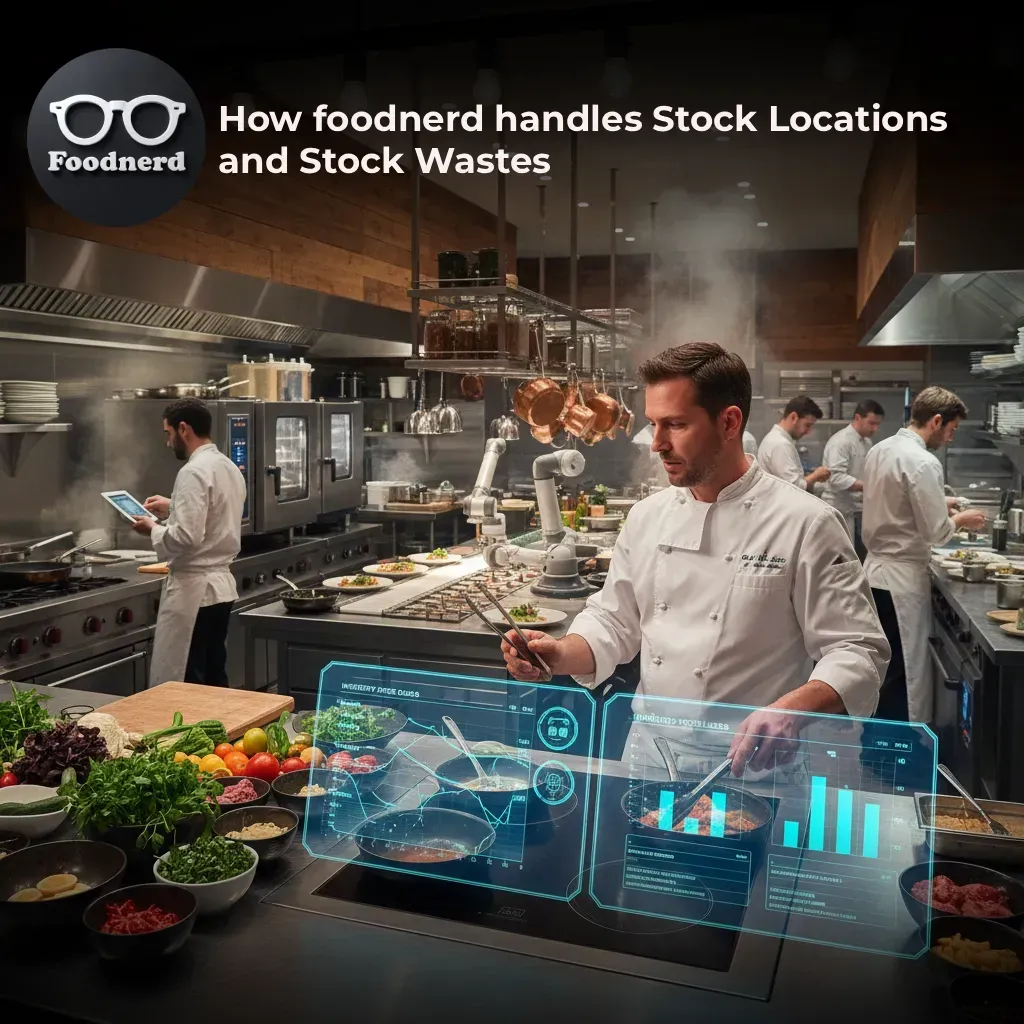
How Foodnerd POS Manages Stock Location & Waste
Running a restaurant means keeping a constant eye on your ingredients. Order too much, and you're throwing money in the bin. Order too little, and you're turning customers away. Stock waste quietly eats into your margins every single day and most restaurant owners don't realize how much until it's too late.
Foodnerd POS was built to fix exactly that. With a smart, structured approach to stock location tracking and waste management, it gives restaurant owners and managers real-time visibility into where their inventory is, how it's being used, and what's being lost. Here's a closer look at how it all works.
How Stock Location Tracking Works in Foodnerd POS
Branches, Storage Areas, and Stock Items
Foodnerd organizes stock across three clear layers:
- Location your physical branch or restaurant
- Stock Location a specific storage area within that branch (like a dry store, walk-in fridge, or prep kitchen)
- Stock Item the actual ingredient or product being tracked
Every stock item belongs to one stock location. When stock is updated whether it's purchased, consumed, or wasted the system logs it against that specific stock location first, then rolls it up to the branch level for reporting.
Each branch also has a default stock location. If a transaction doesn't specify a storage area, Foodnerd automatically falls back to that default. This keeps your data clean and consistent, even when staff skip a step.
Keeping Quantities Accurate in Real Time
Foodnerd calculates each stock item's available quantity using a simple methods.
This figure updates automatically every time stock moves. less manual adjustment needed because stock counters are updated automatically by each purchase, consumption, waste, and transfer action. No waiting until end-of-day to find out what's left. Your team always has an accurate picture of what's on hand.
When quantities drop low or hit zero the system triggers automatic stock alerts for location owners. These run as background jobs after each stock-affecting action, so managers get notified quickly without having to check manually.
How Menus Connect to Stock Locations
Smart Fallback Logic
One of Foodnerd's more practical features is the way it links menu items to stock locations. This matters because a dish served at one branch might draw from a completely different storage area than the same dish at another branch.
Foodnerd handles this with a priority-based fallback system:
- The menu item's own assigned stock location
- The parent menu's stock location
- The branch's default stock location
The same logic applies to individual ingredients within a menu item Foodnerd checks the ingredient list's stock location first, then falls back through the chain. This means your stock deductions always hit the right storage area, even across complex multi-location setups.
How Stock Comes In: Purchases and Receiving
Purchase-Based Inbound Flow
Adding stock to Foodnerd starts with a purchase. Each purchase is tied to a stock location and broken down into individual line items one per ingredient or product. When a purchase is saved, Foodnerd immediately updates the relevant stock item: adding the quantity, recording the cost, and recalculating availability.
This purchase first approach creates a clean audit trail. Every unit of stock that enters your system has a recorded source, cost, and destination.
How Stock Gets Consumed: Automatic Order Deductions
Consumption on Order Completion
When an order has a completion timestamp, Foodnerd triggers stock deduction logic the right ingredients from the right stock locations. No manual entry needed.
Here's how it works:
- Each order item references its menu item (or component option), and Foodnerd deducts the base ingredient quantity
- Any selected add ons or ingredient choices are also deducted individually
- Mandatory ingredients are added to the order automatically before completion, so stock deductions stay consistent every time
This automation removes one of the biggest sources of inventory error in busy restaurants: staff forgetting to log what was used.
How Stock Waste Is Recorded and Managed
Waste as a First-Class Feature
Most POS systems treat waste as an afterthought. Foodnerd doesn't. Waste management is built directly into the platform, with dedicated tools for managers to log, edit, and review waste records.
When a waste entry is created, Foodnerd:
- Checks that the stock item exists and is valid
- Confirms the units match what's being tracked
- Validates that the wasted quantity doesn't exceed what's actually available
- Calculates the cost of the wasted stock
- Updates the stock item's totals immediately
This means waste reduces your real inventory straight away not at the end of the week, not after a manual audit. The wasted quantity and wasted cost also feed directly into reporting, giving managers a clear view of where losses are occurring and how much they're costing.
Why This Matters for Your Bottom Line
Untracked waste is one of the most common reasons restaurant margins shrink. When you can't see where ingredients are disappearing, you can't fix the problem. Foodnerd's waste tracking makes the invisible visible turning a frustrating guessing game into a manageable process.
Managers can create, edit, and delete waste records through the dedicated waste management flow, giving them full control over the data without needing to involve developers or IT teams.
How Stock Transfers Work Between Locations
Moving Inventory Across Storage Areas
When stock needs to move from one storage area to another say, from a central warehouse to a branch kitchen Foodnerd handles this through a structured transfer process.
Each transfer is made up of individual stock movements. Before a movement is saved, the system checks that enough stock is available at the source location. Once confirmed:
- The destination location receives the stock (added to its received quantity and cost)
- The source location records the transfer (added to its transferred quantity and cost)
This keeps both sides of the transaction accurate and traceable. There's no room for stock to "disappear" between locations.
Staying on Top of Inventory: Monitoring and Alerts
Continuous Inventory Maintenance
Foodnerd doesn't ask you to manually reconcile stock at the end of each shift. Every stock affecting action purchases, consumption, waste, and transfers updates the relevant stock item in real time. The available quantity is always current.
For reporting and dashboards, Foodnerd aggregates stock data across items and locations, giving managers a high-level view of total availability alongside the granular detail they need to investigate specific discrepancies.
Low-stock and out of stock alerts run automatically in the background. As soon as available quantity changes, location owners receive a notification. This means your kitchen staff won't discover a missing ingredient mid service you'll know about it before it becomes a problem.
Take Control of Your Stock With Foodnerd POS
Stock management doesn't have to be complicated. With clear location tracking, automatic consumption deductions, real time waste recording, and instant alerts, Foodnerd POS gives you the tools to reduce waste, control costs, and run a tighter operation across one location or many.
Ready to see it in action? Book a free demo with Foodnerd POS and find out how it can work for your restaurant.
Recent Blogs
How Foodnerd POS Manages Stock Location and Waste
How Foodnerd POS Manages Stock Location & WasteRunning a restaurant means keeping a constant eye on your ingredients. Order too much, and you're throwing money in the bin. Order too little, and...
Copy Menus Between Branches in Foodnerd POS: Save Hours of Setup
Opening a new restaurant location is one of the most exciting milestones for any food business owner. But once the excitement settles, reality sets in and that reality often includes hours of manua...
Kiosk Mode Explained: Transforming Restaurant Order-Taking
Running a restaurant means juggling a dozen things at once. Staff are taking orders, the kitchen is firing tickets, and customers are waiting. When the order-taking process slows down even slightly...

Write a Comment