
- Nubaira Ahmer khan
- 2021/08/10
- 0 Comments
- 0 Likes
What Is POS?
A POS is an abbreviation of the Point Of Sale system. It is a physical or virtual platform that allows business owners to operate their business digitally and provide customers with an advanced shopping experience. A POS system acts as a hub of business transactions. It combines software and hardware that enables companies to operate their business in a physical or digital environment. Such POS machine usage is widespread as it is a terminal or part of the checkout process that quickly processes the debit and credit cards to perform transactions. Hence, POS machine usage in retail stores and restaurants is very significant and gained wide popularity.
The Evolution Of POS
The concept of POS software emerged initially when the technology and software got gradual recognition. The POS system was evolved as a terminal system installed only on one desktop and from where the manager can operate their whole business operation. Still, gradually, the POS technology became and expanded to be available in different platforms and devices like desktop, android, and iOS devices. Hence the journey of the POS system moves from the desktop POS system to Mobile POS and then to tablet POS technology.
The first POS system was introduced back in 1970 that was based on mainframe systems and terminals. In 1978, for the very first time, the original restaurant POS system was developed in newyork by Gene Moshel on Apple’s computer and later on gradual advancement in restaurant POS systems such as remote printing in kitchen, color graphical user interface, touch screen system and many other promotions take place, However, with time in 1990, the idea of a personal computer running software emerged that slowly automate the functionality of retail stores and restaurants. Today, there are hundreds of software that are designed and that run on different platforms and gadgets. It is believed that the future of POS systems is gradually evolving, and they are advancing with trillions of benefits of POS systems.
Pros Of POS
The benefits of the POS system are incredible as it provides users a lot of opportunities such as:
It efficiently tracks business transactions, streamlines business operation, and ensures business growth to a great extent.
A light-speed POS software merges all your business operations to a single platform.
It actively monitors your business inventory.
It quickly provides business insights and reports that help you manage critical components of your business, including stock, customers, suppliers, sales, and employees.
Cons Of POS
Although retailers found tons of benefits of POS systems but still every ease comes with difficulties, and every good has a wrong side. Therefore, some of the significant disadvantages of Point of sale software are highlighted below:
The upgrade packages of the POS system are costly. As the software-based POS system comes with a high cost and upgrade is required every time, it often becomes expensive.
Despite having advanced technologies, cybersecurity is still an issue, and that is why there is a massive threat to customer’s security because hackers can easily breach their personal information.
Retailers often rely on the software providers’ support services to troubleshoot any issue that usually occurs in their POS technology solution.
The POS system requires your internet connectivity, and if your network is not reliable, you will experience hindrance in your operations.
Future Of POS System
It is believed that in the coming future, only those businesses that have POS software will evolve because the POS cloud-based technology provides faster and more agile services to your business. For instance, the foodnerd POS system has more advanced integrated credit and debit card processing, QR ordering, online orders, online food delivery, and many more exciting features. That is specifically designed for restaurants and runs on different devices, including mobile, desktop, and iOS. In the future, everything will be in your hand and run through artificial intelligence.
The future of POS will lead to more boom in this field, and POS systems perform more functions than ever. Currently, POS is operated by the managers. Still, a time will come when artificial intelligence replaces human operations, and everything will be automatic. The consumer will come to the restaurant to choose the food; the food will be served by robots and make digital transactions. Hence everything will be handled digitally with the help of artificial intelligence, and there would be no interruption of humans. The customers will receive a seamless experience in offline and online platforms.
Qualities Of Best Restaurant POS System
Choosing the best quality POS system is always a tough decision, but it can be easy to know the quick details of the best POS system. You need to keep these points at your fingertips if you want the best quality POS system. Such as an ideal POS system:
It helps you save your time and money
Provides you detailed intent reports of your business
Easy-to-use and maintain
Reliable and provides security
How to Choose and Prepare for a Modern POS
Trends in technology are interesting, but a restaurant owner mainly needs a system that works every day. Here is a practical way to think about the decision, whatever direction the technology takes.
Start with your own workflow
Write down how an order moves in your restaurant today: who takes it, how it reaches the kitchen, how the bill is made, how payment is taken and how stock is updated. Mark the points where mistakes or delays happen. A good POS should fix those specific problems. If you run dine-in, takeaway and delivery, check that the system handles all three in one place.
A checklist for evaluating a POS
- Offline behavior: ask what happens when the internet drops. Most cloud systems have some fallback, but you should see how it works and how data syncs afterward.
- Hardware: confirm which printers, cash drawers, card terminals and tablets it works with, so you do not buy equipment twice.
- Reports: check that you can see sales by item, by hour and by staff member, and export the data.
- Permissions: look for staff roles, so a cashier cannot change prices or void orders without approval.
- Support: find out how and when you can reach the provider, and in which language.
- Total cost: ask about setup, monthly fees, upgrades, payment processing and any extra charges for more devices.
Reducing the risks mentioned above
Security concerns are real, so use unique passwords, limit who can access settings and keep software updated. Dependence on support is easier to manage if you ask for training for your staff and keep simple written procedures. For connectivity, a backup connection such as a mobile data hotspot is a low-cost safeguard.
Rolling it out
Do not switch everything on the busiest day of the week. Enter your menu carefully, test a few orders end to end, train staff in small groups and run the new system alongside the old process for a short time. Review the reports after a few weeks and adjust.
Judge technology by results
New ideas such as automation and self-ordering may become common, but each one is only worth adopting if it reduces errors, saves time or helps you understand your numbers. Ask for a demo using your own menu, and measure the change in order accuracy and wait times after you start.
Recent Blogs

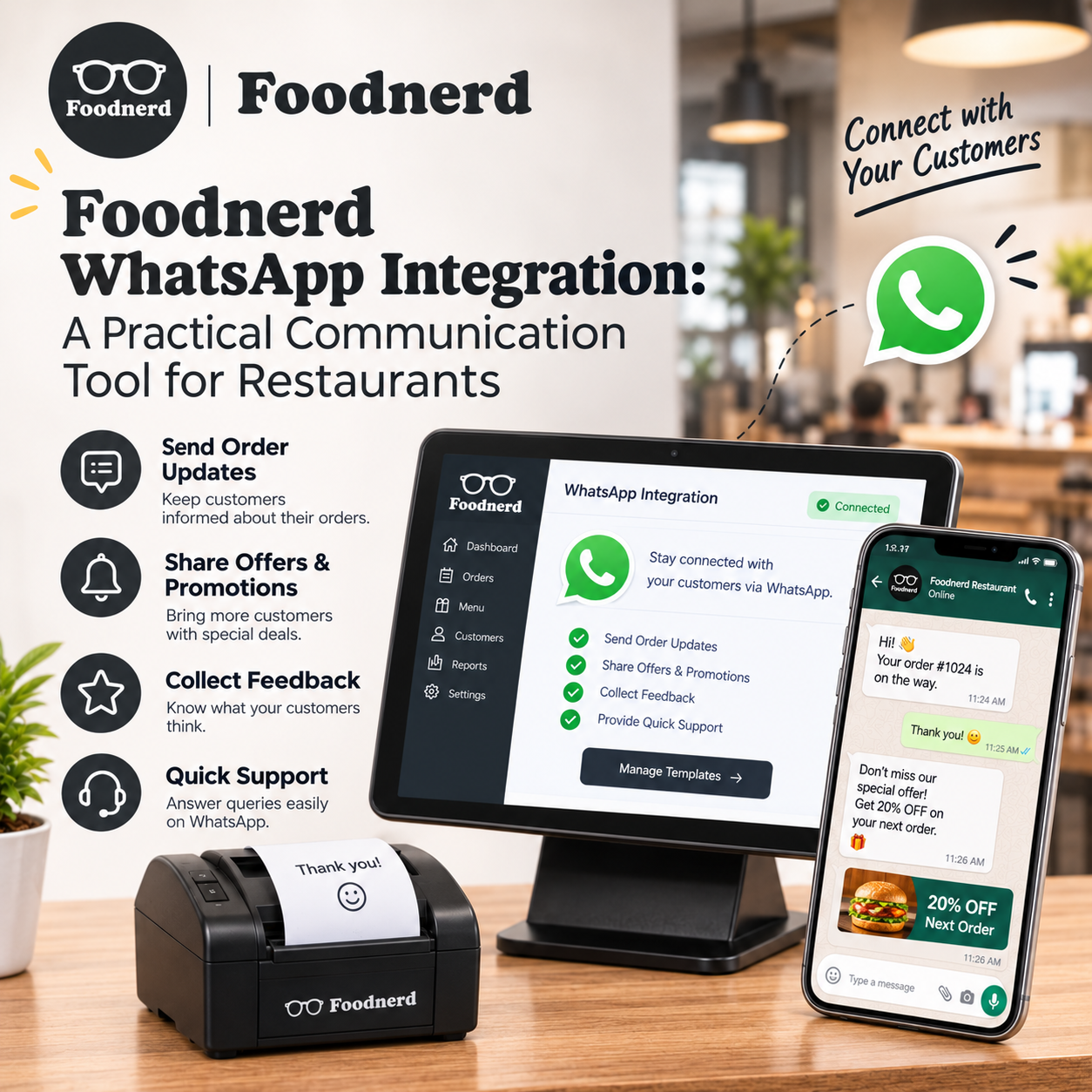
Foodnerd WhatsApp Integration: A Practical Communication Tool for Restaurants
Customers often reach out with a quick question: Has my order been accepted? Can I change a detail? Where should I send a document or photo? When those conversations are spread across personal phon...
Join the conversation
Comments are reviewed before they appear.
